> ## Documentation Index
> Fetch the complete documentation index at: https://docs.appminis.io/llms.txt
> Use this file to discover all available pages before exploring further.
# Product Detail
> Cấu hình bố cục, hiển thị thông tin, và các thành phần trên trang Chi tiết Sản phẩm.
### **3.3.6. Product Detail**
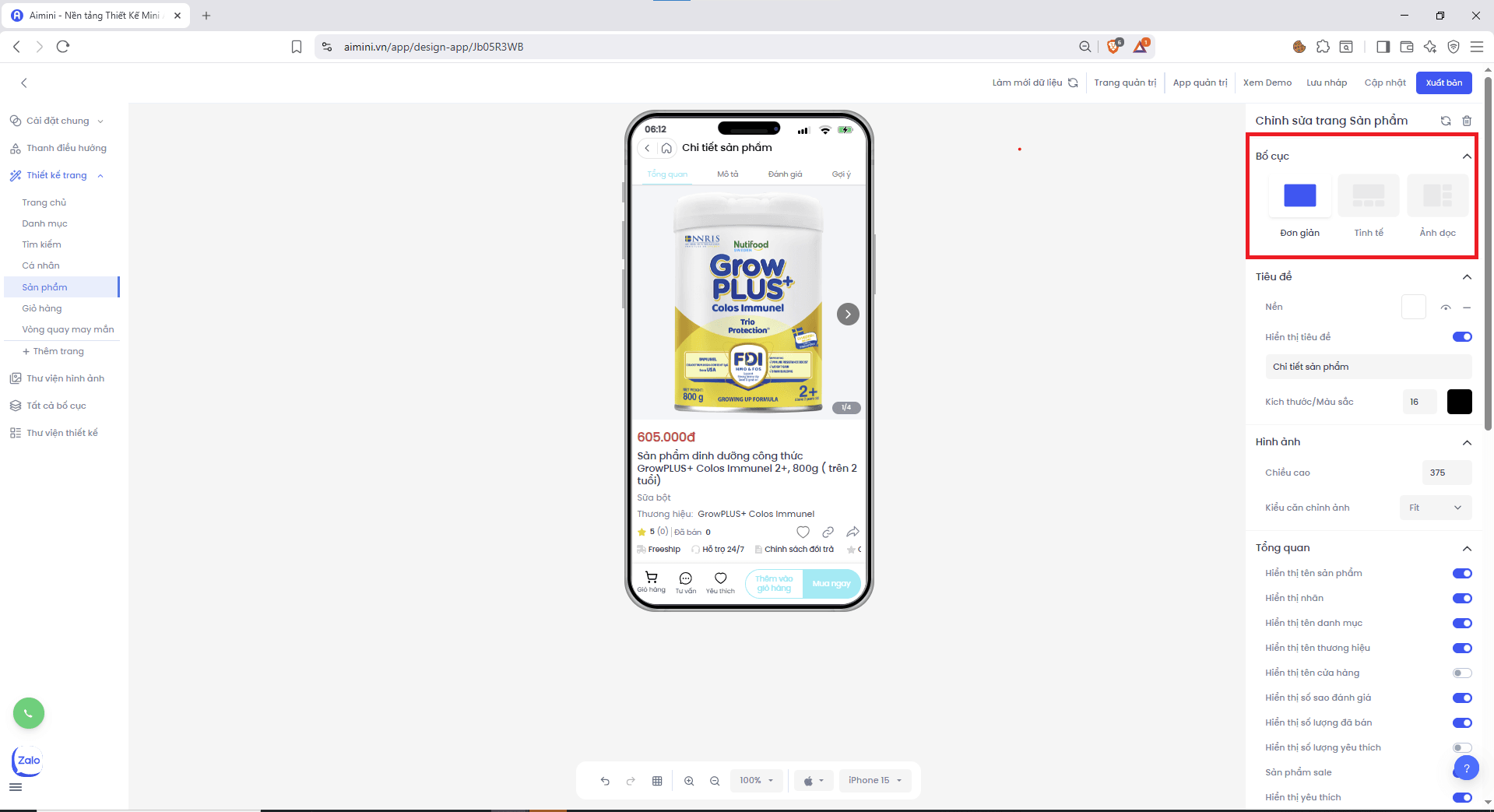
**Bố cục**\
Người dùng có thể lựa chọn các bố cục hiển thị sản phẩm, bao gồm: Đơn giản, Tinh tế, Ảnh dọc
 **Tiêu đề**
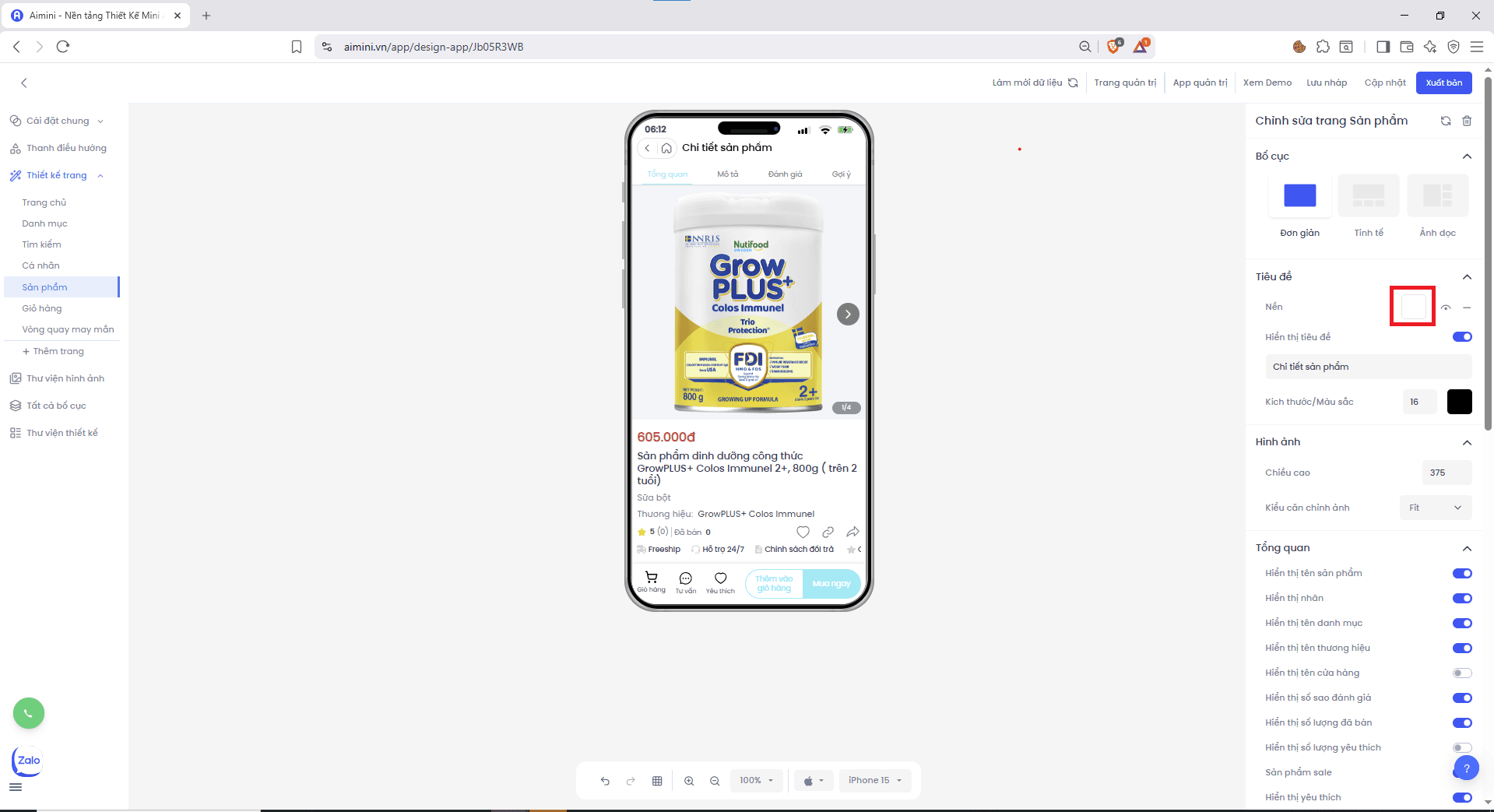
**Nền**
* Chọn màu nền cho thẻ sản phẩm bằng cách nhấn ô vuông sau đó chọn màu.
**Tiêu đề**
**Nền**
* Chọn màu nền cho thẻ sản phẩm bằng cách nhấn ô vuông sau đó chọn màu.
 * Chuyển đổi qua lại giữa 2 trạng thái có màu nền và không có màu nền bằng cách nhấn nút .
* Xóa màu nền bằng cách nhấn nút .
**Hiển thị tiêu đề**
* Người dùng nhấn nút để chuyển đổi qua lại giữa 2 trạng thái có tiêu đề và không có tiêu đề.
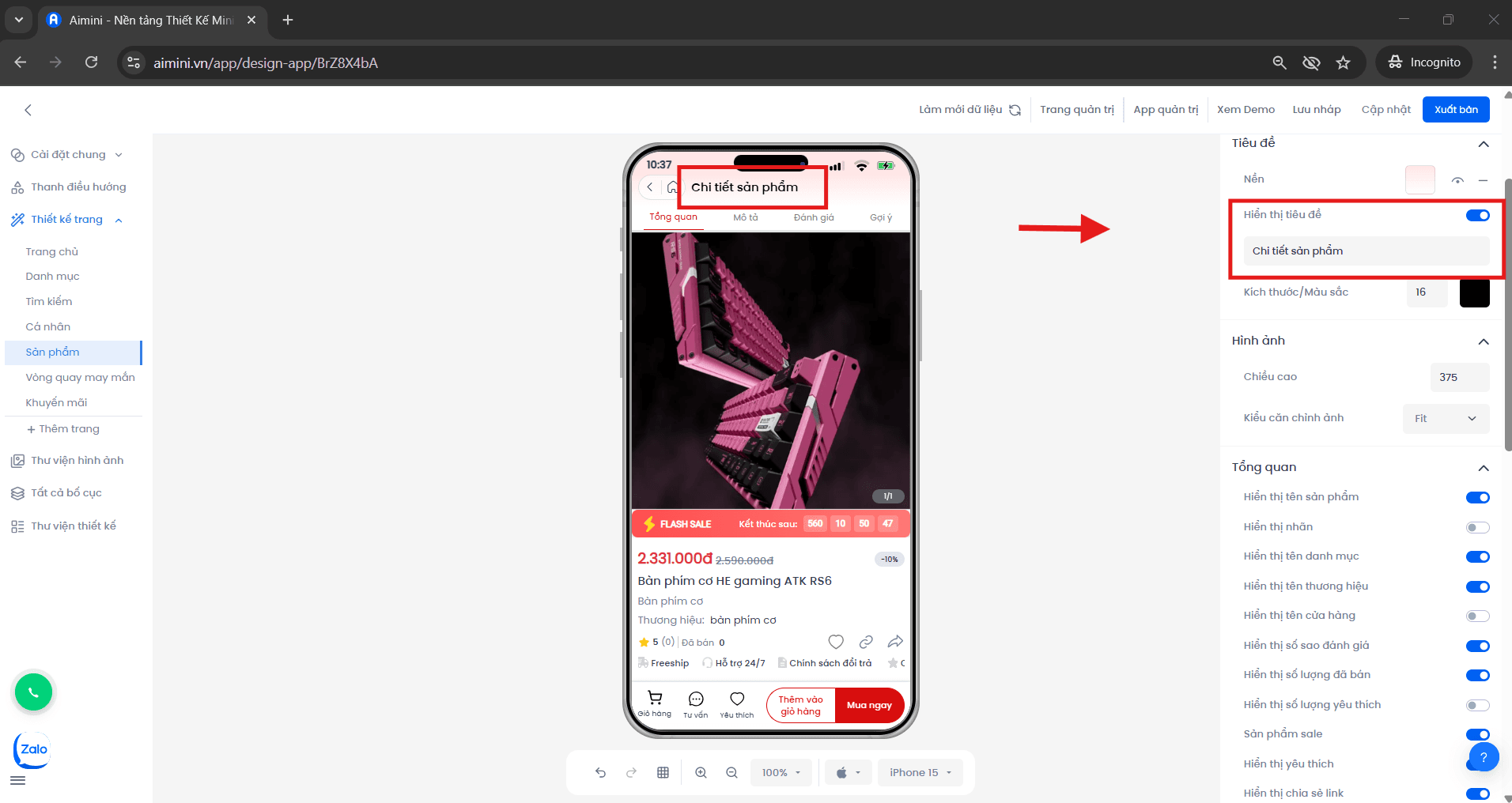
* Người dùng có thể nhập tiêu đề cho phần sản phẩm. Ví dụ, nếu tiêu đề là **"Chi tiết sản phẩm"** thì phần sản phẩm sẽ như thế này:
* Chuyển đổi qua lại giữa 2 trạng thái có màu nền và không có màu nền bằng cách nhấn nút .
* Xóa màu nền bằng cách nhấn nút .
**Hiển thị tiêu đề**
* Người dùng nhấn nút để chuyển đổi qua lại giữa 2 trạng thái có tiêu đề và không có tiêu đề.
* Người dùng có thể nhập tiêu đề cho phần sản phẩm. Ví dụ, nếu tiêu đề là **"Chi tiết sản phẩm"** thì phần sản phẩm sẽ như thế này:
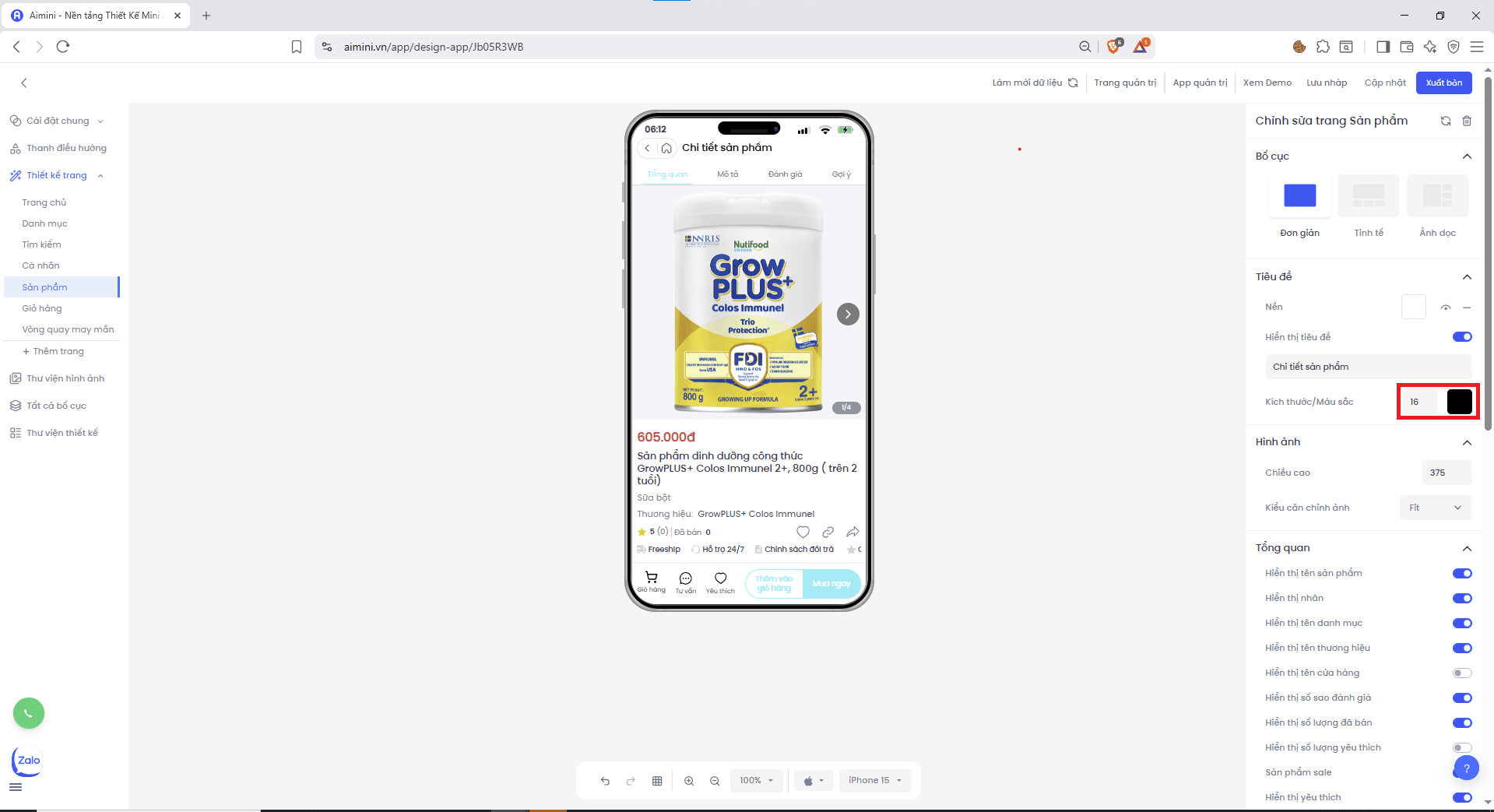
 **Kích thước / Màu sắc**
* Người dùng có thể điều chỉnh kích thước và màu sắc cho tiêu đề của phần sản phẩm tại.
**Kích thước / Màu sắc**
* Người dùng có thể điều chỉnh kích thước và màu sắc cho tiêu đề của phần sản phẩm tại.
 **Hình ảnh**
**Chiều cao**
* Người dùng có thể chọn hoặc tăng/giảm chiều cao của banner tại.
**Hình ảnh**
**Chiều cao**
* Người dùng có thể chọn hoặc tăng/giảm chiều cao của banner tại.
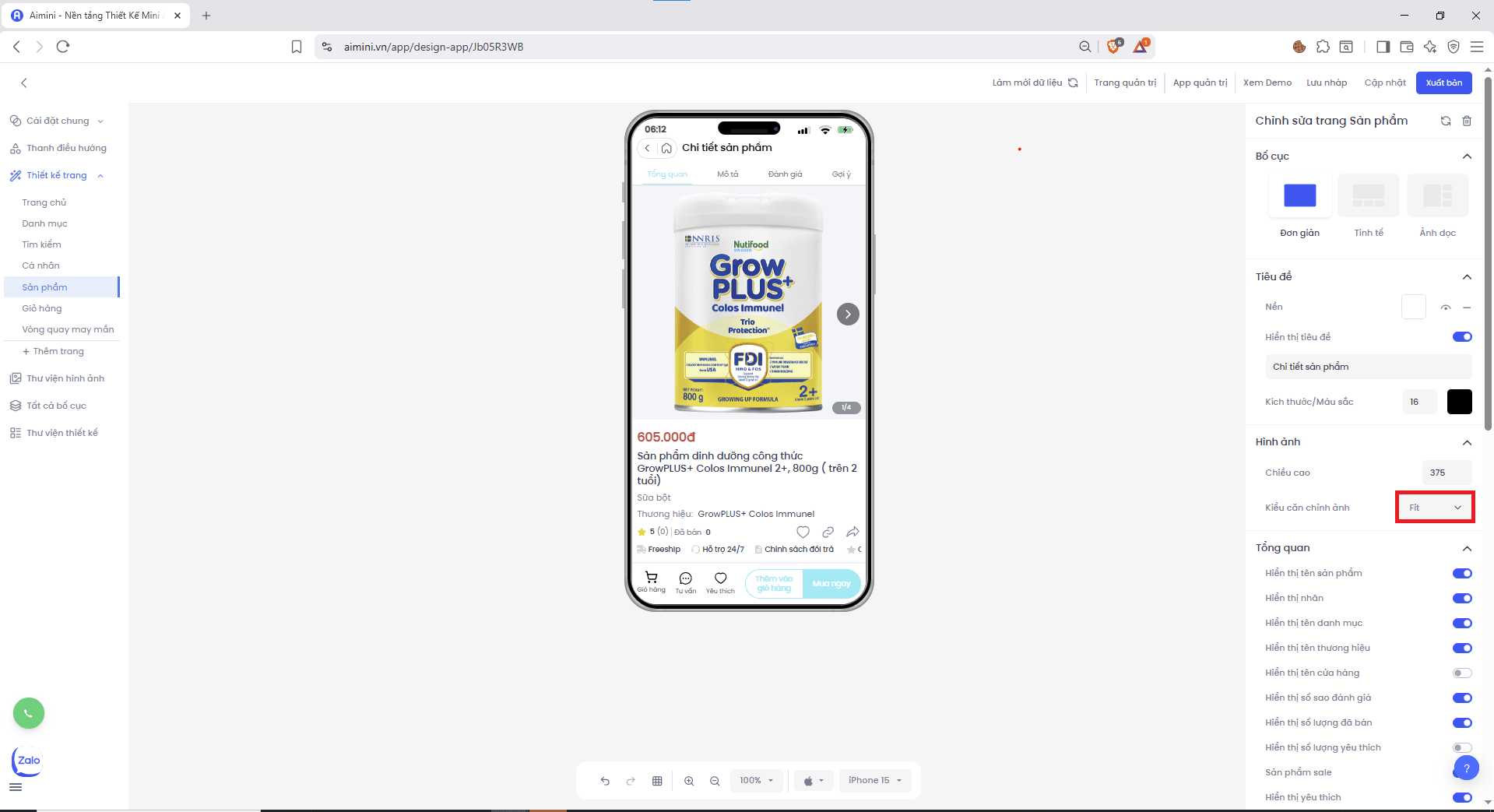
 **Kiểu căn chỉnh ảnh**\
Người dùng có thể chọn kiểu căn chỉnh hình ảnh sản phẩm tại …
**Kiểu căn chỉnh ảnh**\
Người dùng có thể chọn kiểu căn chỉnh hình ảnh sản phẩm tại …
 **Tổng quan**
**Hiển thị tên sản phẩm**
* Người dùng nhấn nút để bật/tắt tên sản phẩm.
**Hiển thị nhãn**
* Người dùng nhấn nút để bật/tắt nhãn.
**Hiển thị tên danh mục**
* Người dùng nhấn nút để bật/tắt tên danh mục.
**Hiển thị tên thương hiệu**
* Người dùng nhấn nút để bật/tắt tên thương hiệu.
**Hiển thị tên cửa hàng**
* Người dùng nhấn nút để bật/tắt tên cửa hàng.
**Hiển thị số sao đánh giá**
* Người dùng nhấn nút để bật/tắt số sao đánh giá.
**Hiển thị số lượng đã bán**
* Người dùng nhấn nút để bật/tắt số lượng đã bán.
**Hiển thị số lượng yêu thích**
* Người dùng nhấn nút để bật/tắt số lượng yêu thích.
**Sản phẩm sale**
* Người dùng nhấn nút để bật/tắt trạng thái sale.
**Hiển thị yêu thích**
* Người dùng nhấn nút để bật/tắt nút yêu thích.
**Hiển thị chia sẻ link**
* Người dùng nhấn nút để bật/tắt chia sẻ link.
* **Hiển thị sao chép link:** Người dùng nhấn nút để bật/tắt sao chép link.
**Hiển thị giá tiền**
* Người dùng nhấn nút để bật/tắt hiển thị giá tiền.
**Hiển thị giá giảm**
* Người dùng nhấn nút để bật/tắt hiển thị giá giảm.
**Tiếp thị liên kết**
* Người dùng nhấn nút để bật/tắt tiếp thị liên kết.
**Hiển thị mô tả**
* Người dùng nhấn nút để bật/tắt mô tả.
**Hiển thị đánh giá**
* Người dùng nhấn nút để bật/tắt đánh giá.
**Hiển thị sản phẩm liên quan**
* Người dùng nhấn nút để bật/tắt sản phẩm liên quan.
**Chăm sóc khách hàng**
**Hiển thị chăm sóc khách hàng**
* Người dùng nhấn nút để bật/tắt chăm sóc khách hàng.
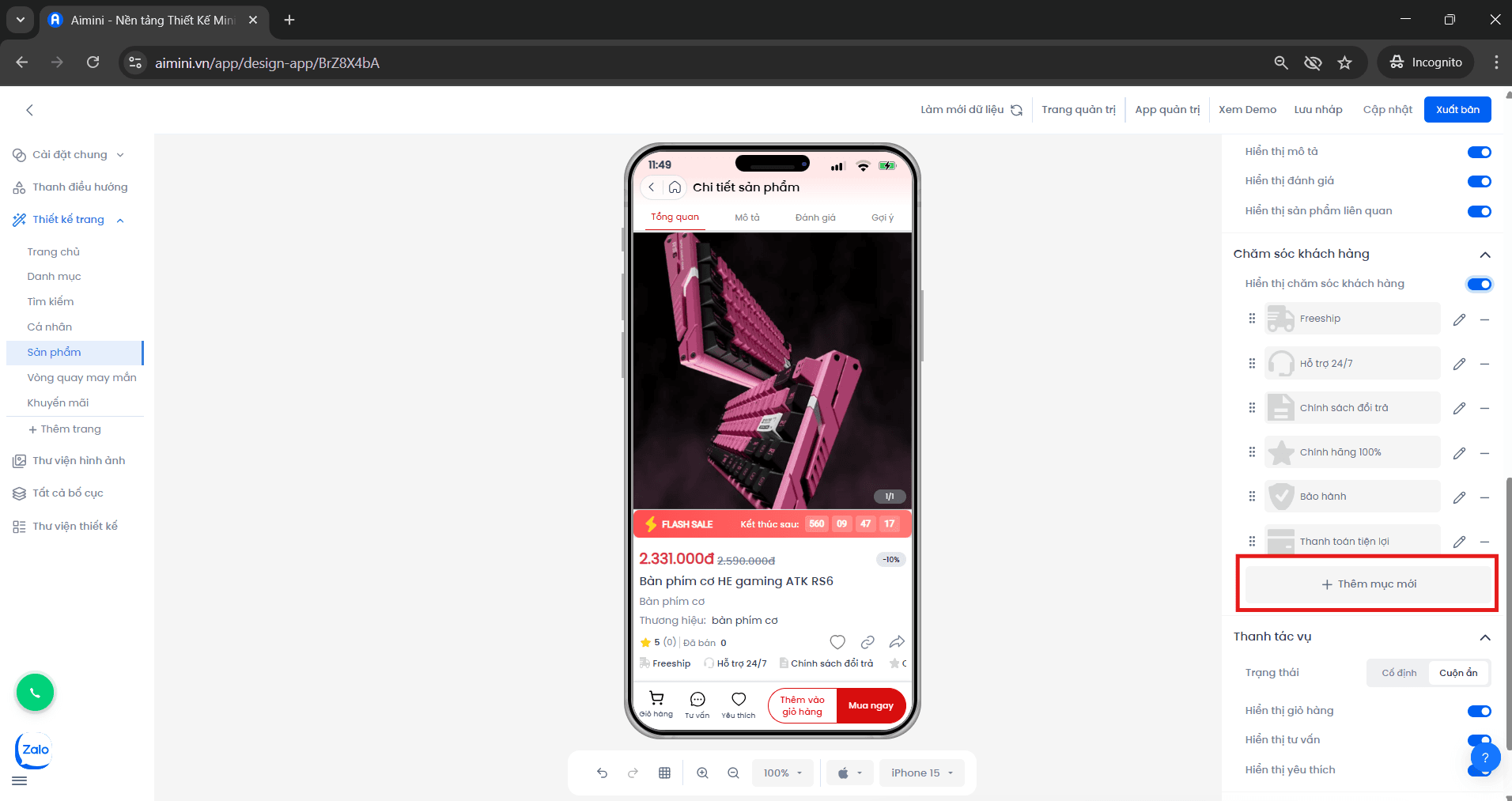
**Thêm**
* **Bước 1:** Người dùng nhấn vào nút **"Thêm mục mới"**.
**Tổng quan**
**Hiển thị tên sản phẩm**
* Người dùng nhấn nút để bật/tắt tên sản phẩm.
**Hiển thị nhãn**
* Người dùng nhấn nút để bật/tắt nhãn.
**Hiển thị tên danh mục**
* Người dùng nhấn nút để bật/tắt tên danh mục.
**Hiển thị tên thương hiệu**
* Người dùng nhấn nút để bật/tắt tên thương hiệu.
**Hiển thị tên cửa hàng**
* Người dùng nhấn nút để bật/tắt tên cửa hàng.
**Hiển thị số sao đánh giá**
* Người dùng nhấn nút để bật/tắt số sao đánh giá.
**Hiển thị số lượng đã bán**
* Người dùng nhấn nút để bật/tắt số lượng đã bán.
**Hiển thị số lượng yêu thích**
* Người dùng nhấn nút để bật/tắt số lượng yêu thích.
**Sản phẩm sale**
* Người dùng nhấn nút để bật/tắt trạng thái sale.
**Hiển thị yêu thích**
* Người dùng nhấn nút để bật/tắt nút yêu thích.
**Hiển thị chia sẻ link**
* Người dùng nhấn nút để bật/tắt chia sẻ link.
* **Hiển thị sao chép link:** Người dùng nhấn nút để bật/tắt sao chép link.
**Hiển thị giá tiền**
* Người dùng nhấn nút để bật/tắt hiển thị giá tiền.
**Hiển thị giá giảm**
* Người dùng nhấn nút để bật/tắt hiển thị giá giảm.
**Tiếp thị liên kết**
* Người dùng nhấn nút để bật/tắt tiếp thị liên kết.
**Hiển thị mô tả**
* Người dùng nhấn nút để bật/tắt mô tả.
**Hiển thị đánh giá**
* Người dùng nhấn nút để bật/tắt đánh giá.
**Hiển thị sản phẩm liên quan**
* Người dùng nhấn nút để bật/tắt sản phẩm liên quan.
**Chăm sóc khách hàng**
**Hiển thị chăm sóc khách hàng**
* Người dùng nhấn nút để bật/tắt chăm sóc khách hàng.
**Thêm**
* **Bước 1:** Người dùng nhấn vào nút **"Thêm mục mới"**.
 * **Bước 2:**
* Người dùng nhập tiêu đề.
* Người dùng nhấn **"Tải ảnh lên hoặc chọn ảnh từ thư viện"**.
* **Bước 2:**
* Người dùng nhập tiêu đề.
* Người dùng nhấn **"Tải ảnh lên hoặc chọn ảnh từ thư viện"**.
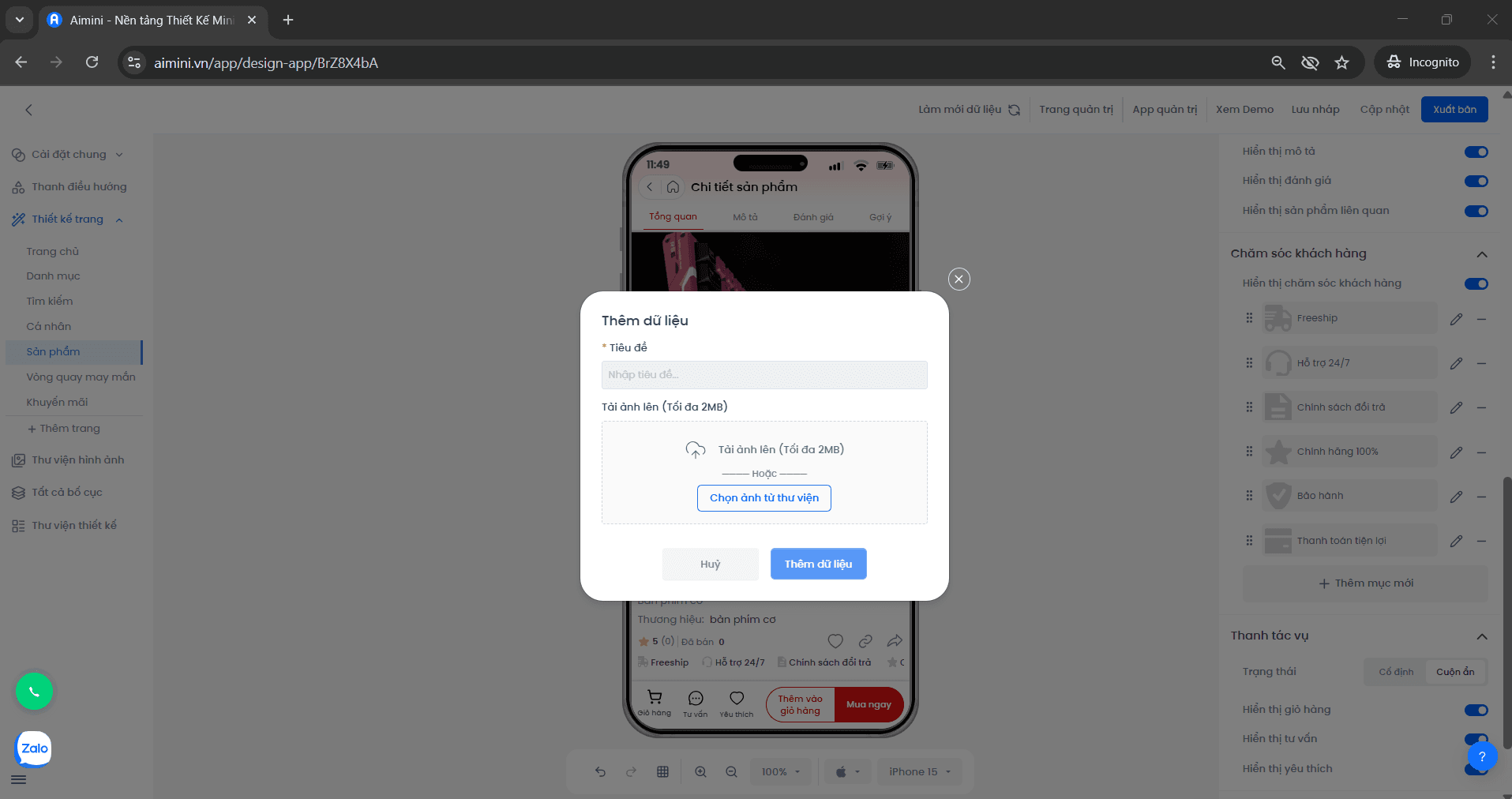 * **Bước 3:** Người dùng nhấn **"Thêm dữ liệu"** để thêm ảnh hoặc nhấn **"Hủy bỏ"** để hủy.
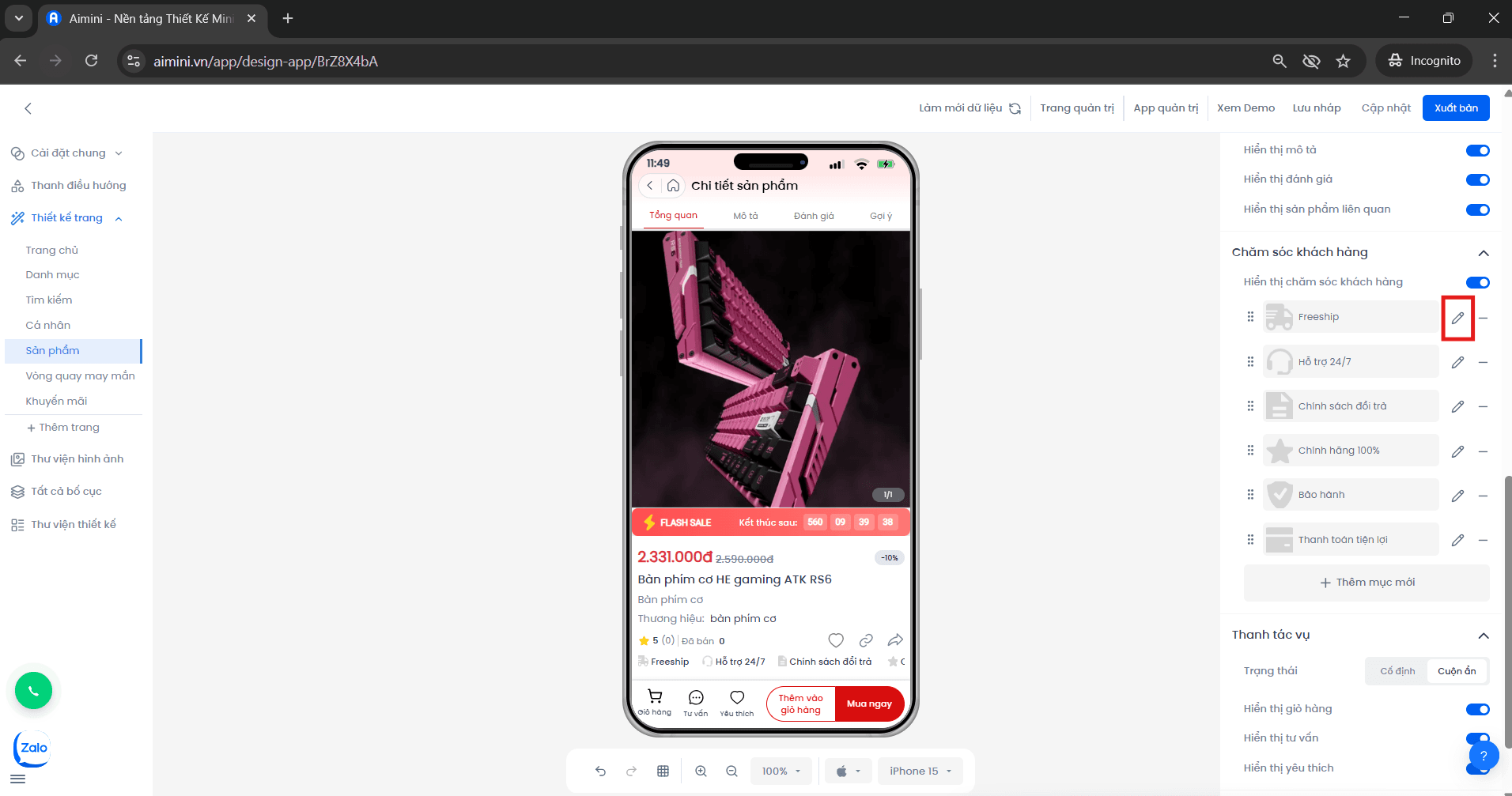
**Chỉnh sửa**
* **Bước 1:** Người dùng nhấn nút để đến trang chỉnh sửa.
* **Bước 3:** Người dùng nhấn **"Thêm dữ liệu"** để thêm ảnh hoặc nhấn **"Hủy bỏ"** để hủy.
**Chỉnh sửa**
* **Bước 1:** Người dùng nhấn nút để đến trang chỉnh sửa.
 * **Bước 2:** Người dùng nhập tiêu đề, nhấn **"Tải ảnh lên hoặc chọn ảnh từ thư viện"**.
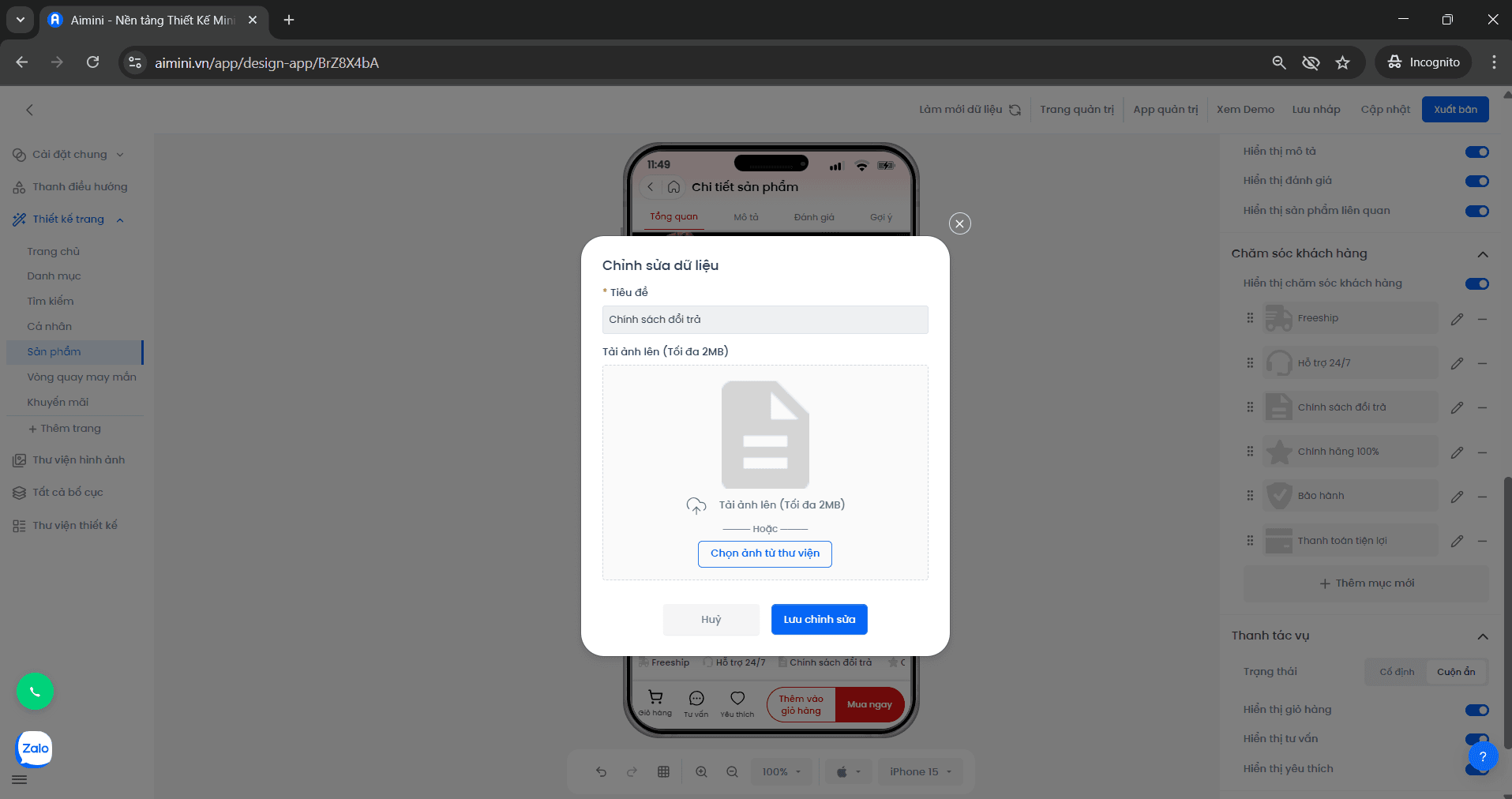 * **Bước 3:** Người dùng nhấn **"Lưu chỉnh sửa"** để lưu hoặc **"Hủy bỏ"** để hủy.
**Xóa**
* **Bước 1:** Người dùng nhấn nút để xóa dữ liệu.
* **Bước 3:** Người dùng nhấn **"Lưu chỉnh sửa"** để lưu hoặc **"Hủy bỏ"** để hủy.
**Xóa**
* **Bước 1:** Người dùng nhấn nút để xóa dữ liệu.
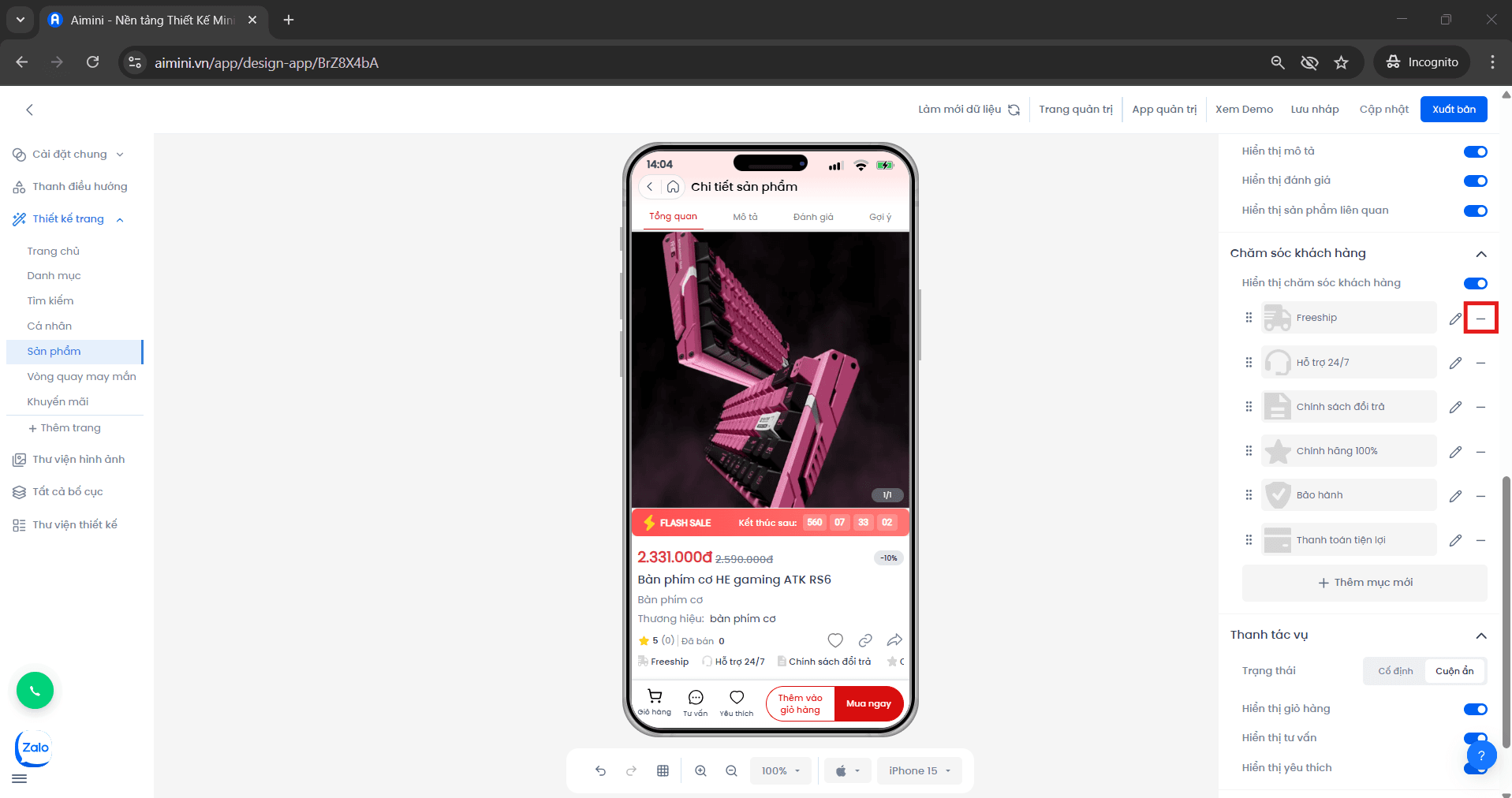 * **Bước 2:** Ở hộp thông báo, người dùng nhấn **"Xóa ngay"** để xóa hoặc **"Hủy"** để hủy.
**Thanh tác vụ**
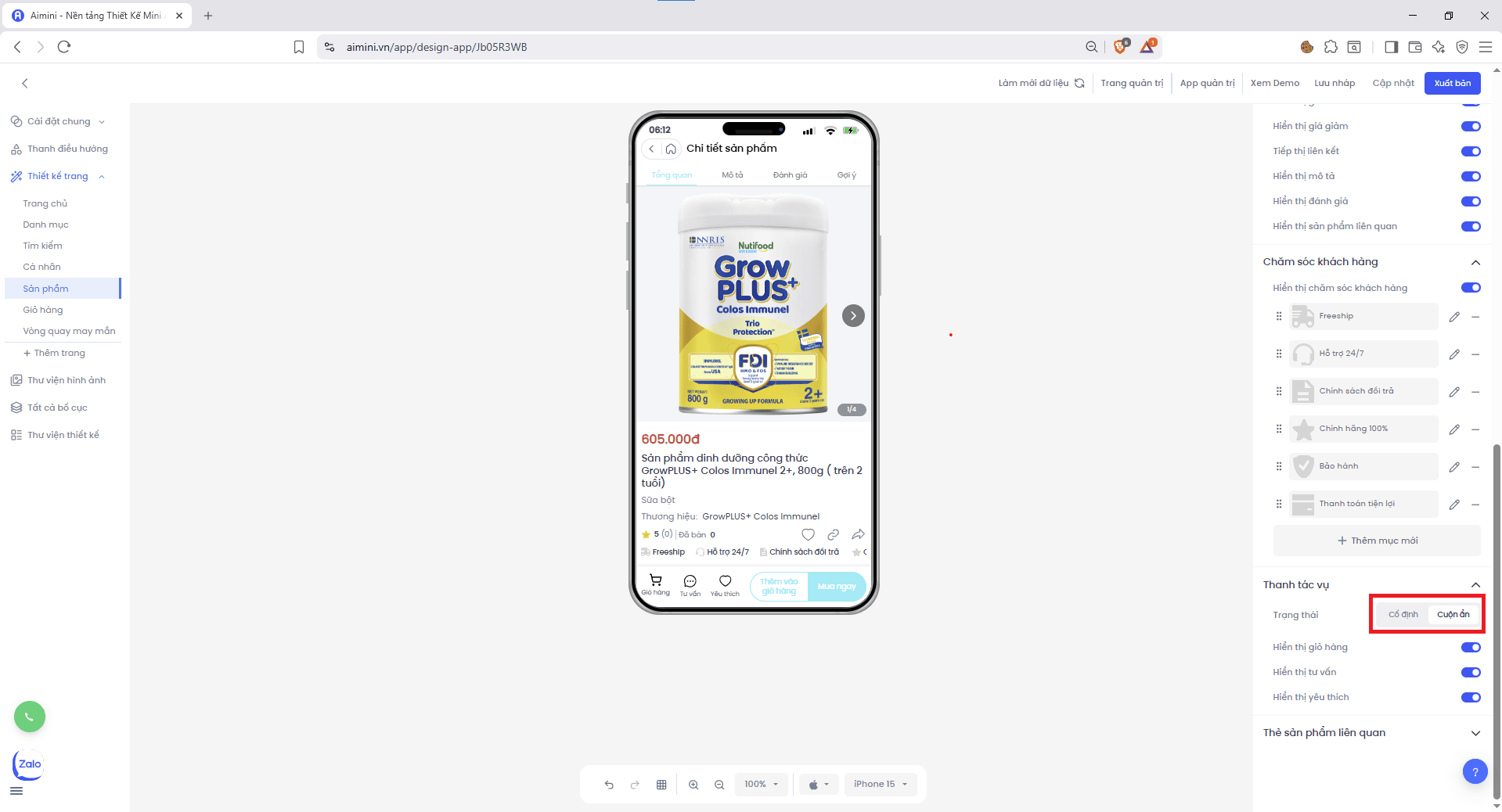
**Trạng thái**\
Người dùng có thể nhấn để chuyển đổi giữa chế độ **Cố định** và **Cuộn ẩn**.
* **Bước 2:** Ở hộp thông báo, người dùng nhấn **"Xóa ngay"** để xóa hoặc **"Hủy"** để hủy.
**Thanh tác vụ**
**Trạng thái**\
Người dùng có thể nhấn để chuyển đổi giữa chế độ **Cố định** và **Cuộn ẩn**.
 **Hiển thị giỏ hàng**\
Người dùng nhấn nút để bật/tắt giỏ hàng.
**Hiển thị tư vấn**\
Người dùng nhấn nút để bật/tắt tư vấn.
**Hiển thị yêu thích**\
Người dùng nhấn nút để bật/tắt hiển thị yêu thích.
**Thẻ sản phẩm liên quan**
**Lề ngoài**
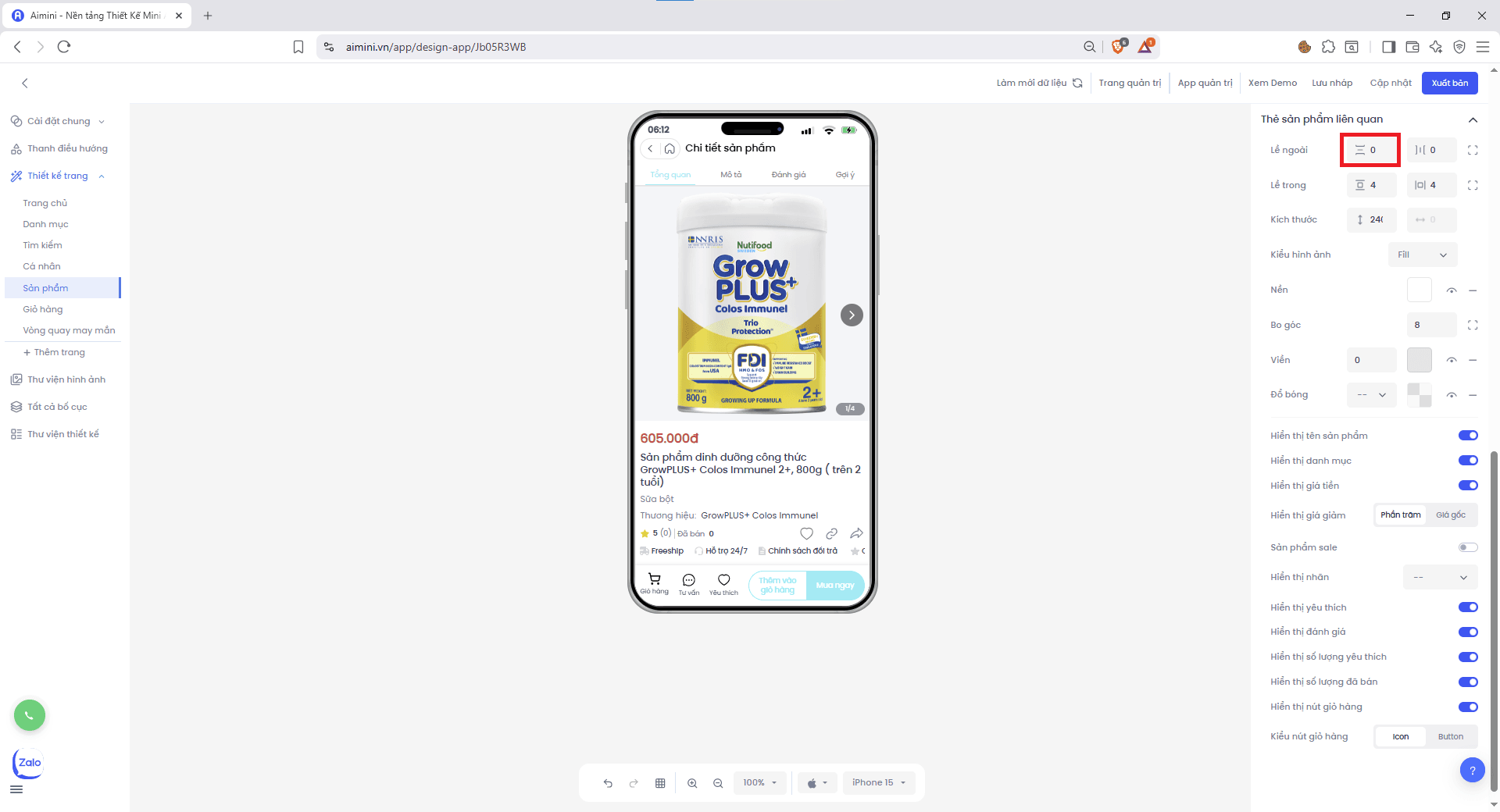
* Người dùng điều chỉnh **chung** khoảng cách trên/dưới giữa các thẻ sản phẩm với phần danh sách bằng nút
**Hiển thị giỏ hàng**\
Người dùng nhấn nút để bật/tắt giỏ hàng.
**Hiển thị tư vấn**\
Người dùng nhấn nút để bật/tắt tư vấn.
**Hiển thị yêu thích**\
Người dùng nhấn nút để bật/tắt hiển thị yêu thích.
**Thẻ sản phẩm liên quan**
**Lề ngoài**
* Người dùng điều chỉnh **chung** khoảng cách trên/dưới giữa các thẻ sản phẩm với phần danh sách bằng nút
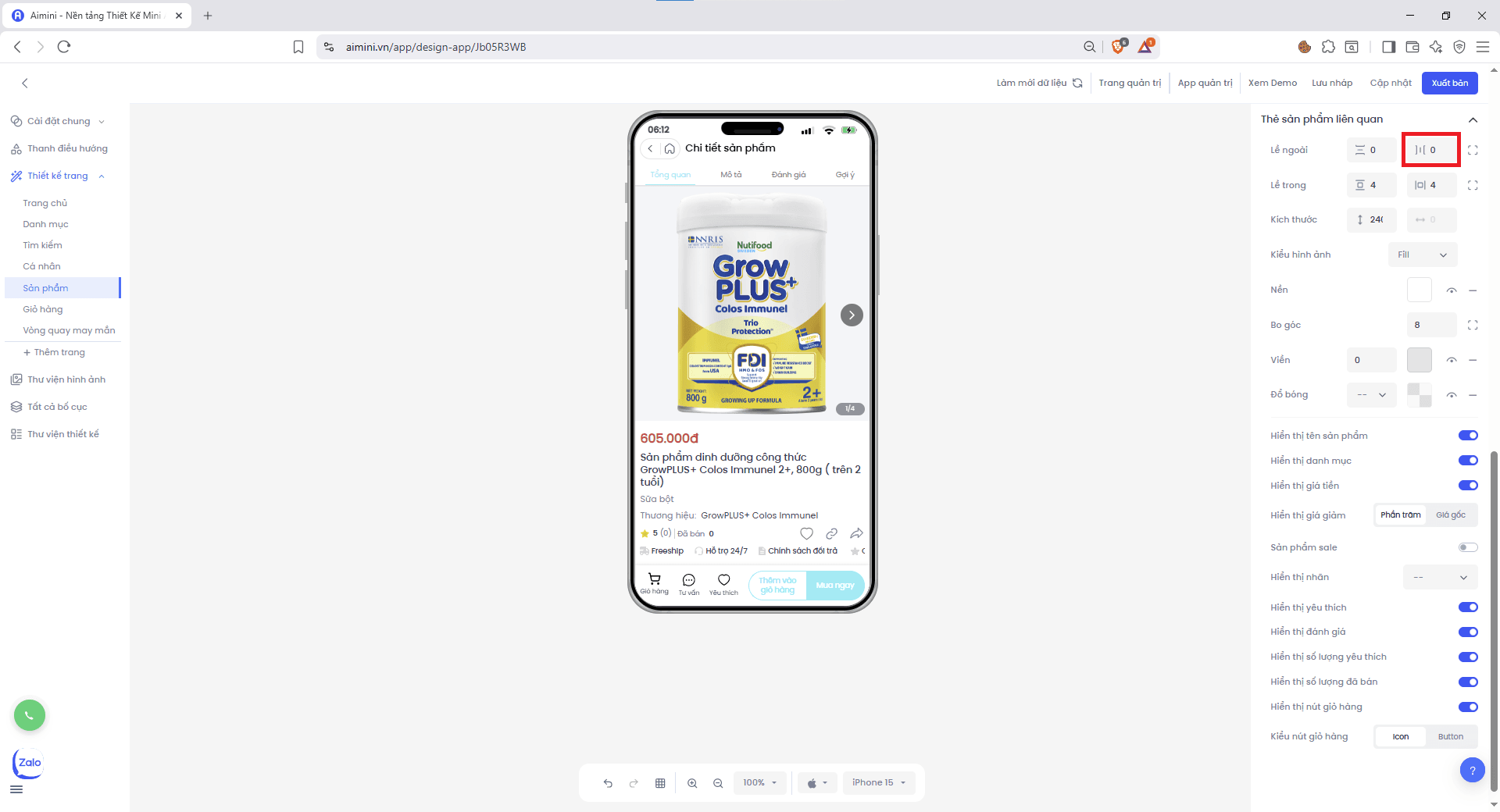
 * Người dùng điều chỉnh khoảng cách **trái/phải** giữa các thẻ sản phẩm với phần danh sách bằng nút
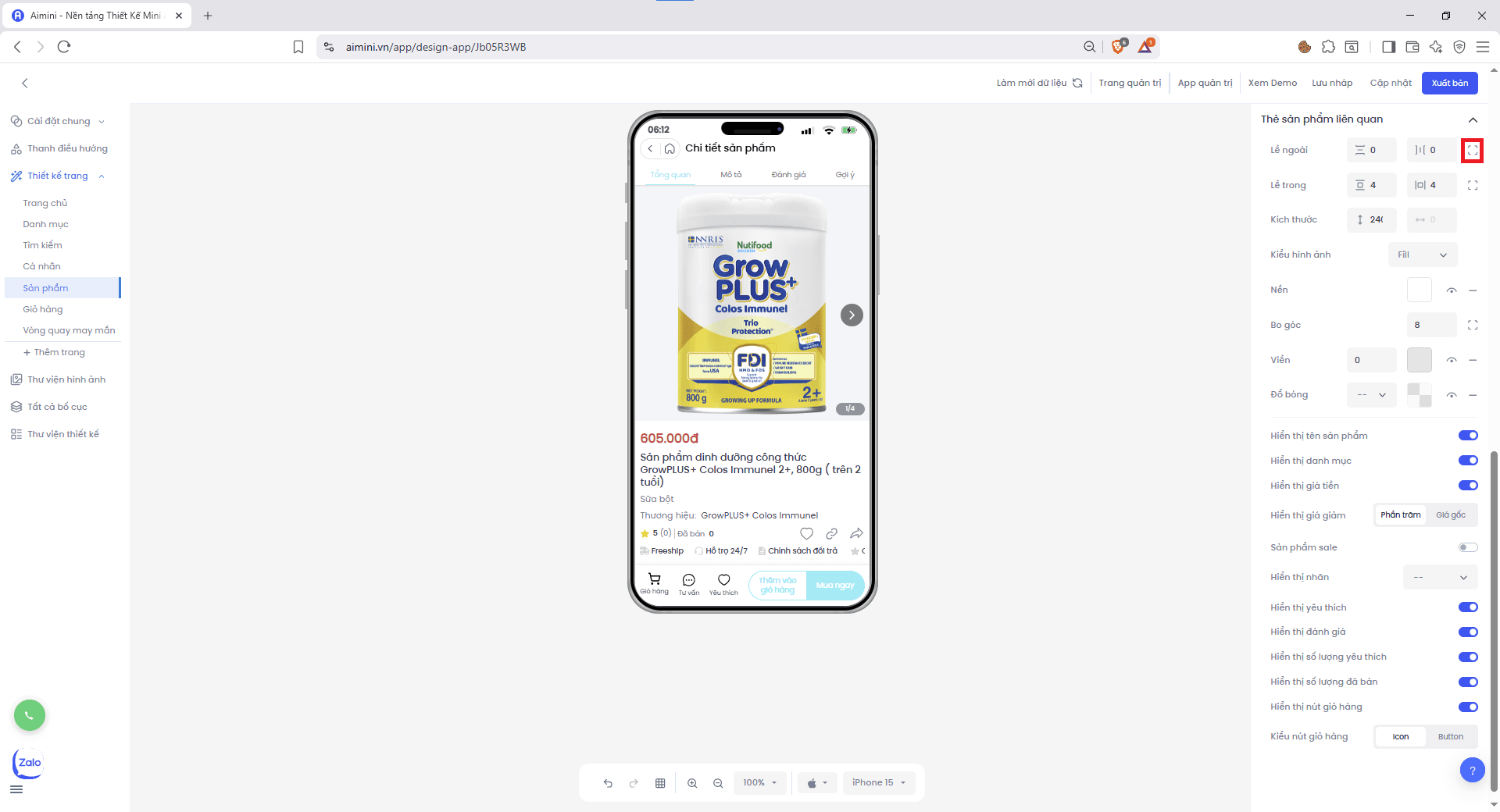
 * Người dùng điều chỉnh riêng lề trái và lề phải, khoảng cách **trái/phải** giữa các thẻ sản phẩm với phần danh sách bằng nút.
 **Lề trong**
* Điều chỉnh chung khoảng cách trên/dưới giữa các thẻ sản phẩm với thành phần bên trong bằng nút
**Lề trong**
* Điều chỉnh chung khoảng cách trên/dưới giữa các thẻ sản phẩm với thành phần bên trong bằng nút
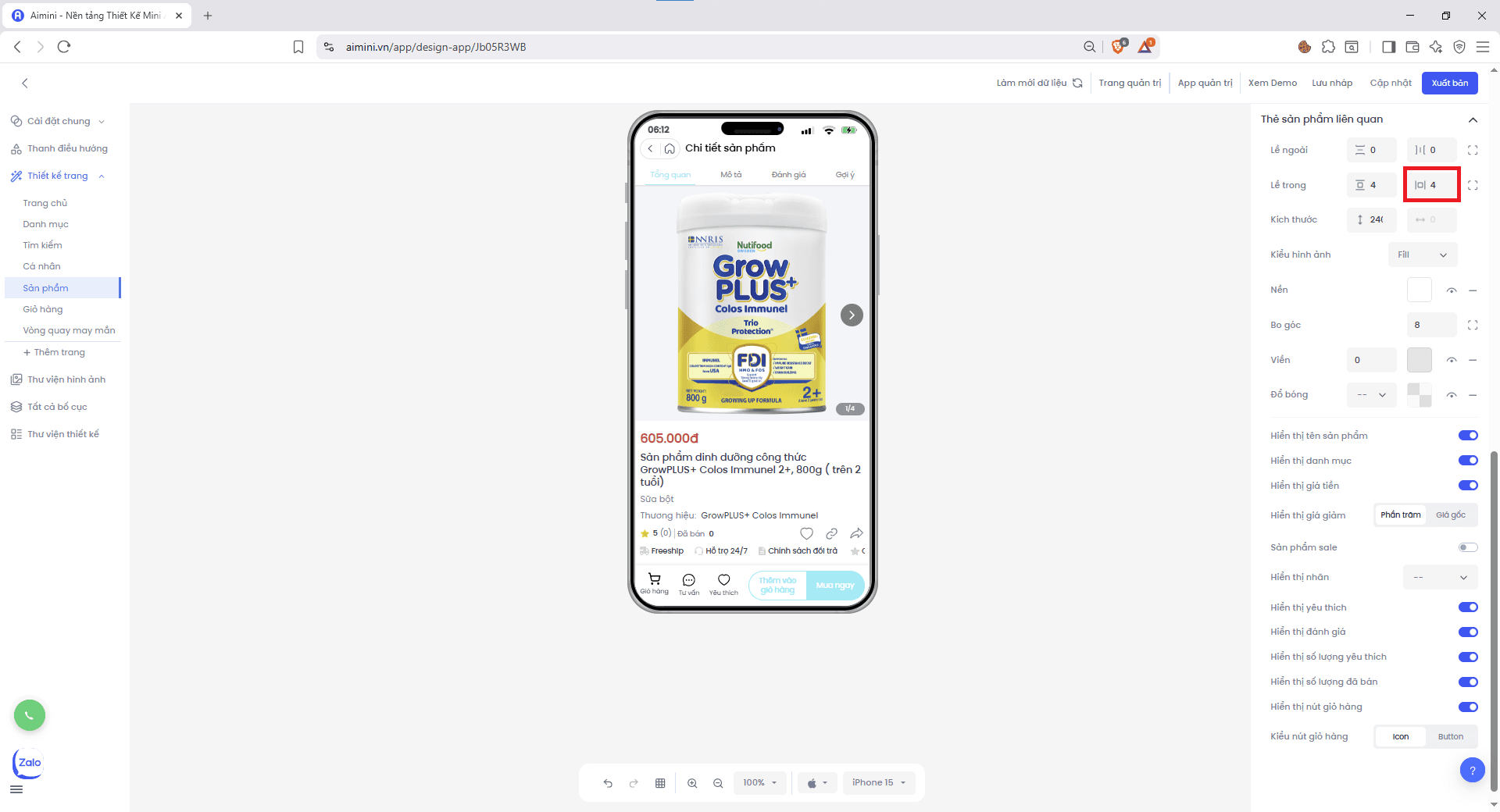
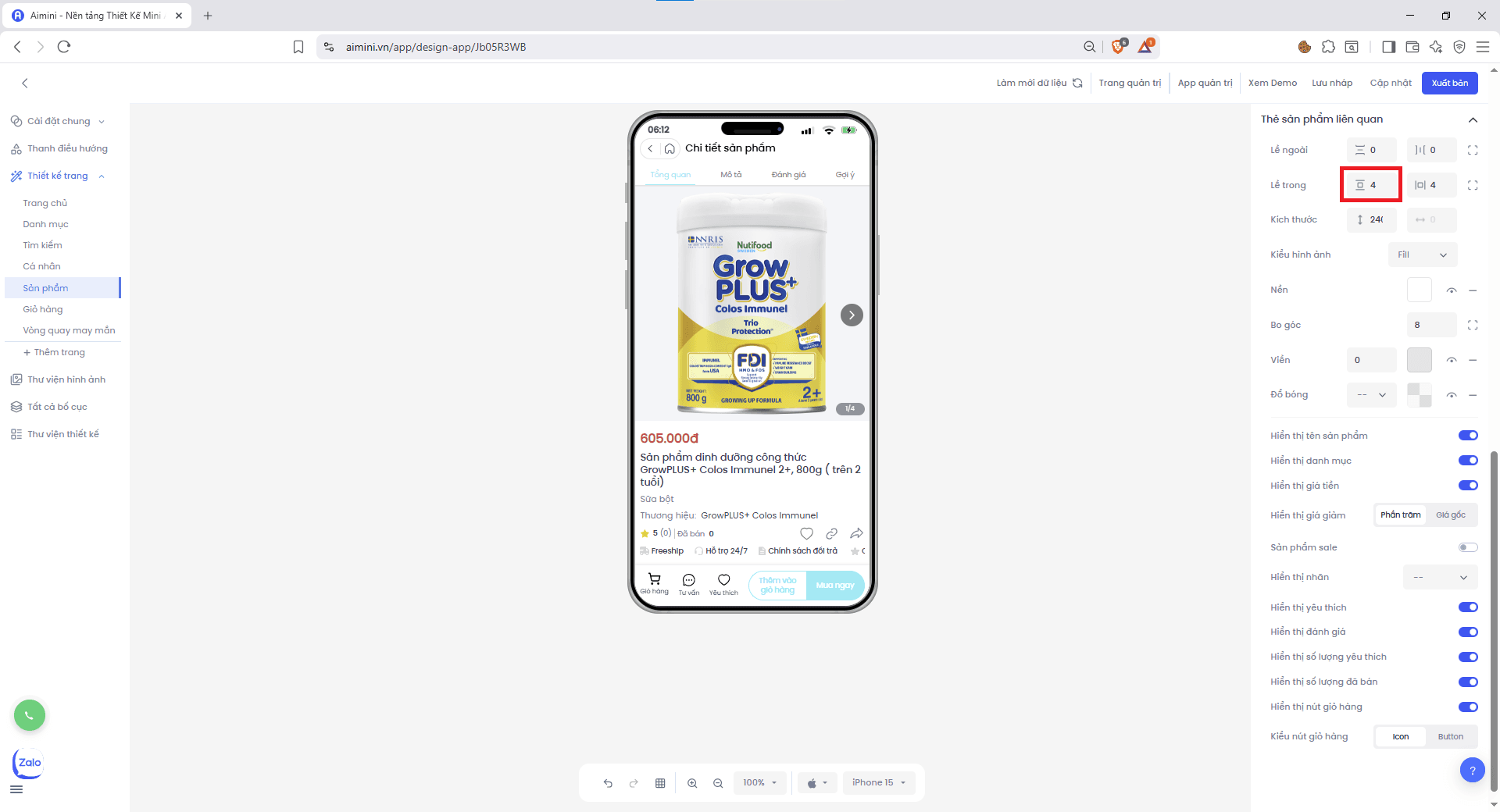 * Điều chỉnh khoảng cách trái/phải giữa các thẻ sản phẩm với thành phần bên trong bằng nút
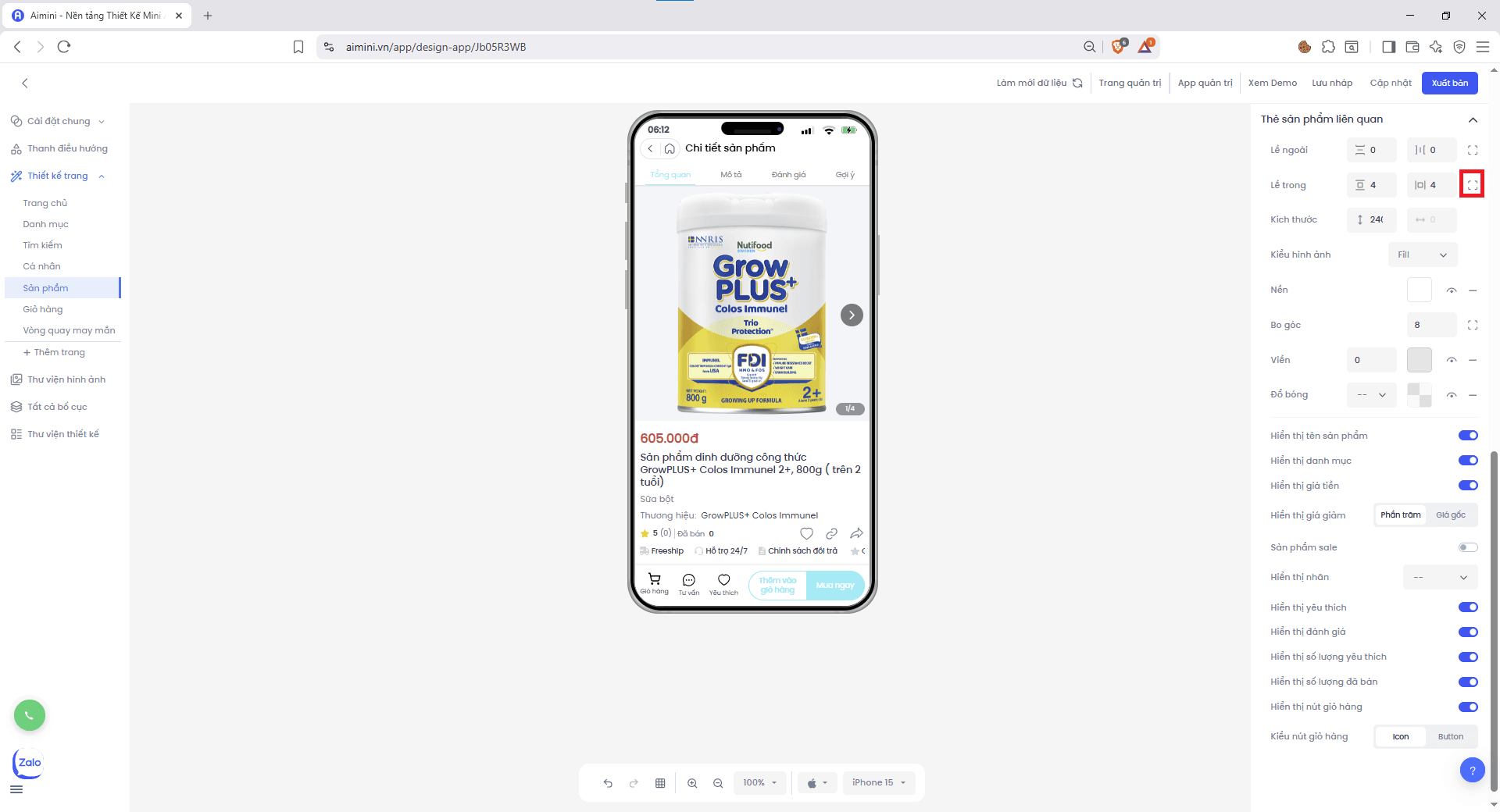
 * Người dùng điều chỉnh riêng lề trên và lề dưới, lề trái và lề phải bằng nút.
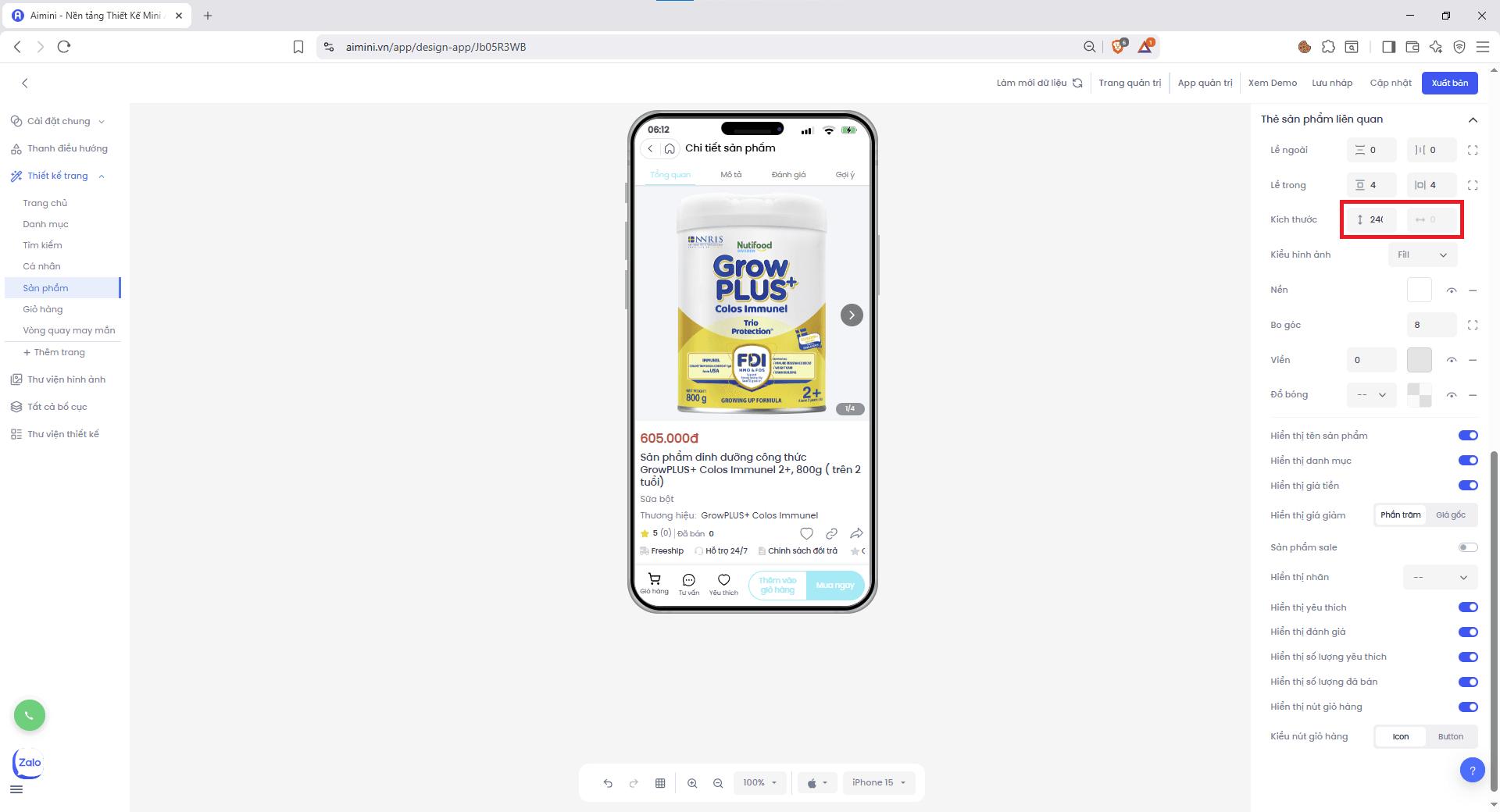
 **Kích thước**
* Điều chỉnh kích thước tiêu đề thẻ sản phẩm tại.
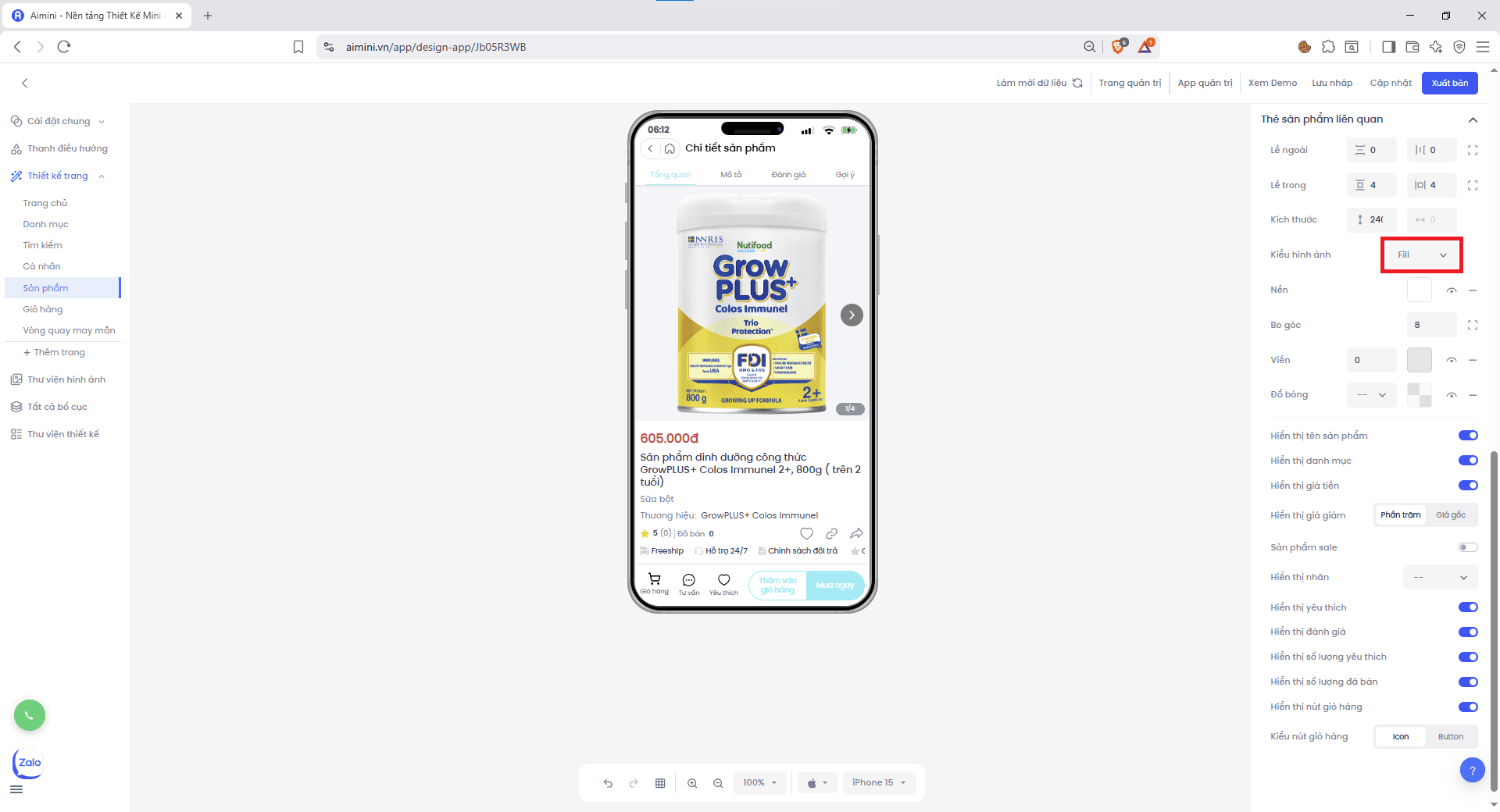
**Kiểu hình ảnh**
* Chọn kiểu hình ảnh các thẻ sản phẩm tại.
**Kích thước**
* Điều chỉnh kích thước tiêu đề thẻ sản phẩm tại.
**Kiểu hình ảnh**
* Chọn kiểu hình ảnh các thẻ sản phẩm tại.
 **Nền**
* Chọn màu nền cho thẻ sản phẩm bằng cách nhấn ô vuông sau đó chọn màu.
**Nền**
* Chọn màu nền cho thẻ sản phẩm bằng cách nhấn ô vuông sau đó chọn màu.
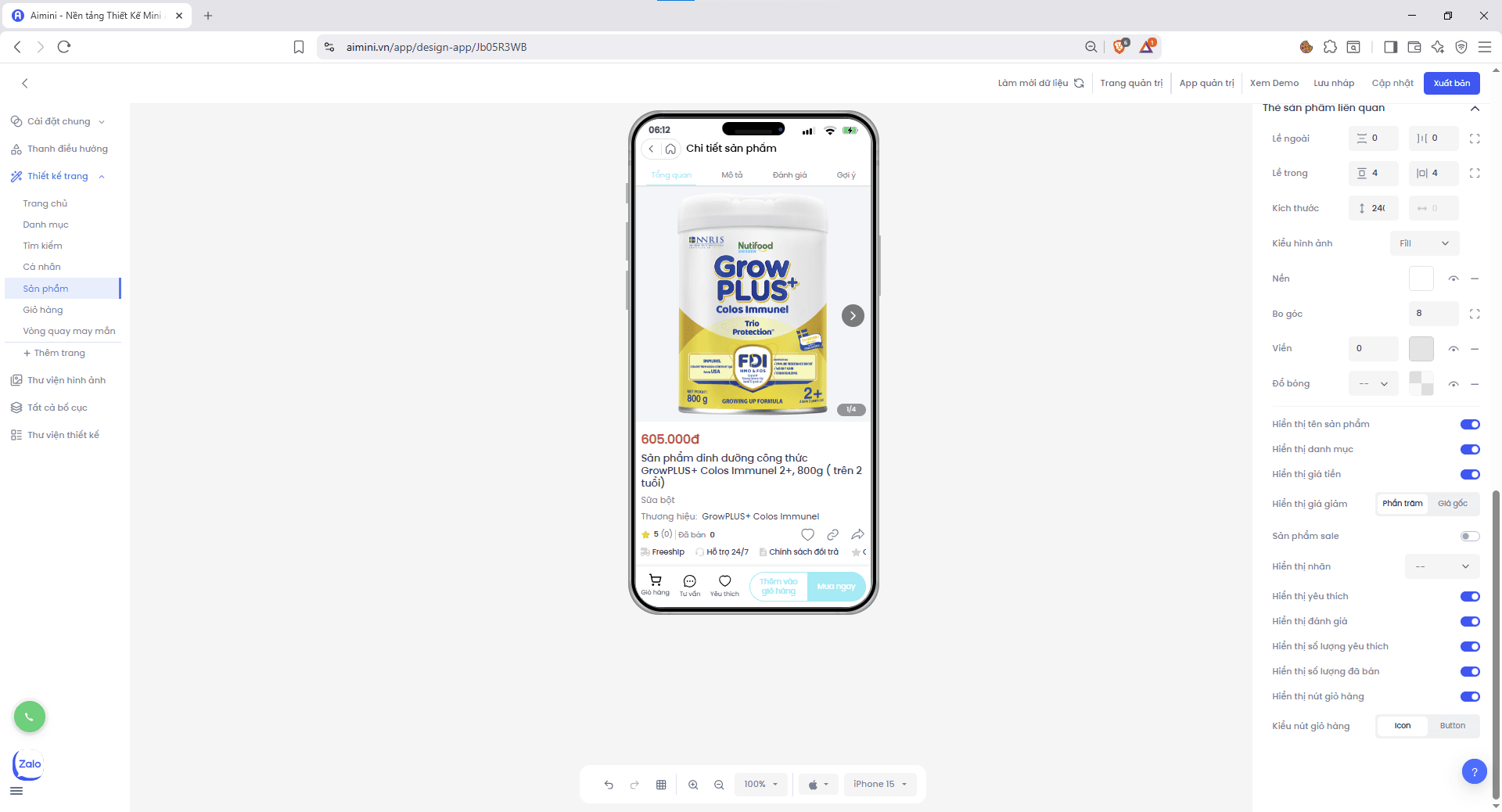 * Chuyển đổi qua lại giữa 2 trạng thái có màu nền và không có màu nền bằng nút .
* Xóa màu nền bằng nút .
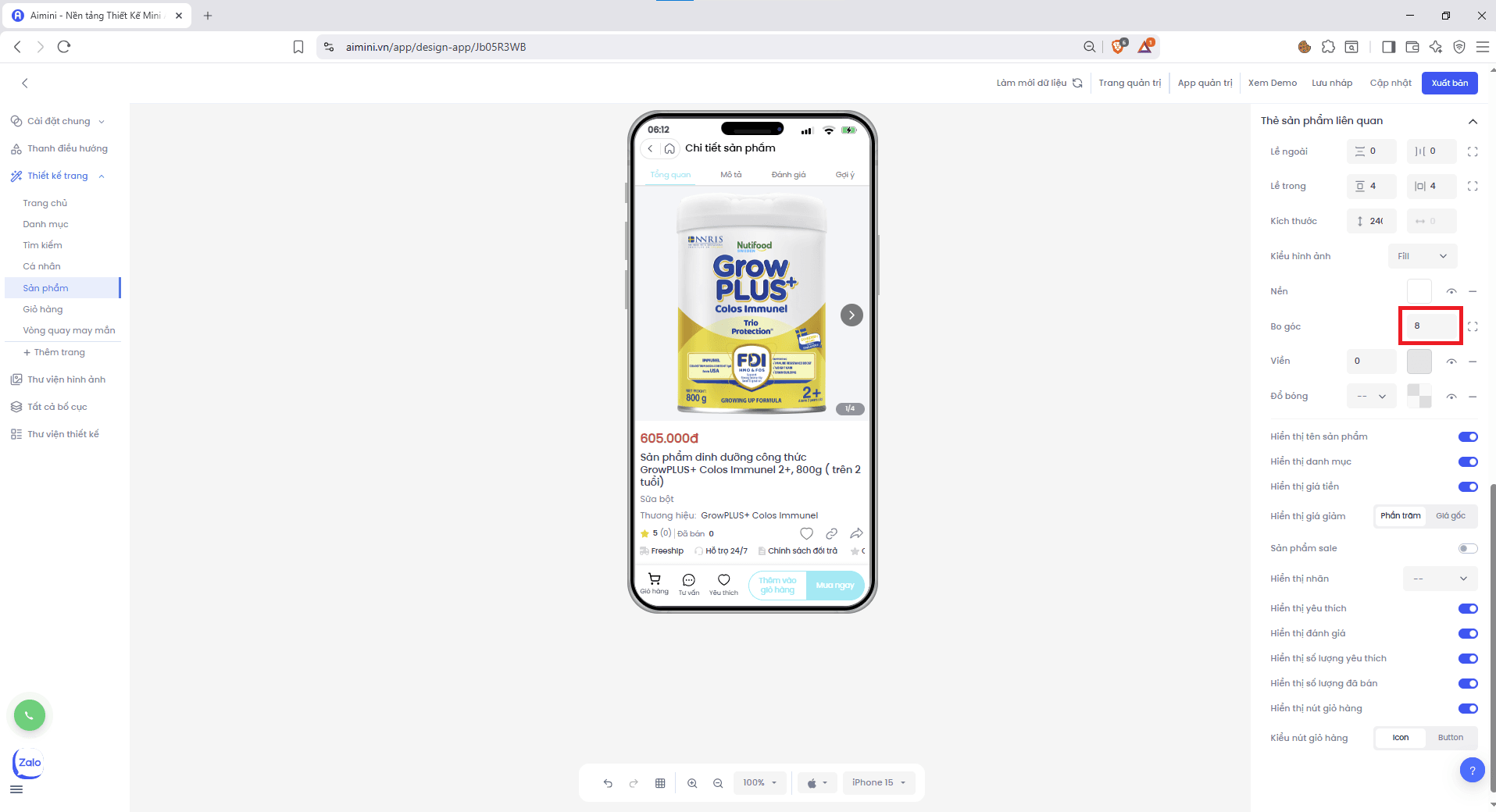
**Bo góc**
* Nhập hoặc tăng/giảm **chung** độ bo góc của 4 góc tại ô
* Chuyển đổi qua lại giữa 2 trạng thái có màu nền và không có màu nền bằng nút .
* Xóa màu nền bằng nút .
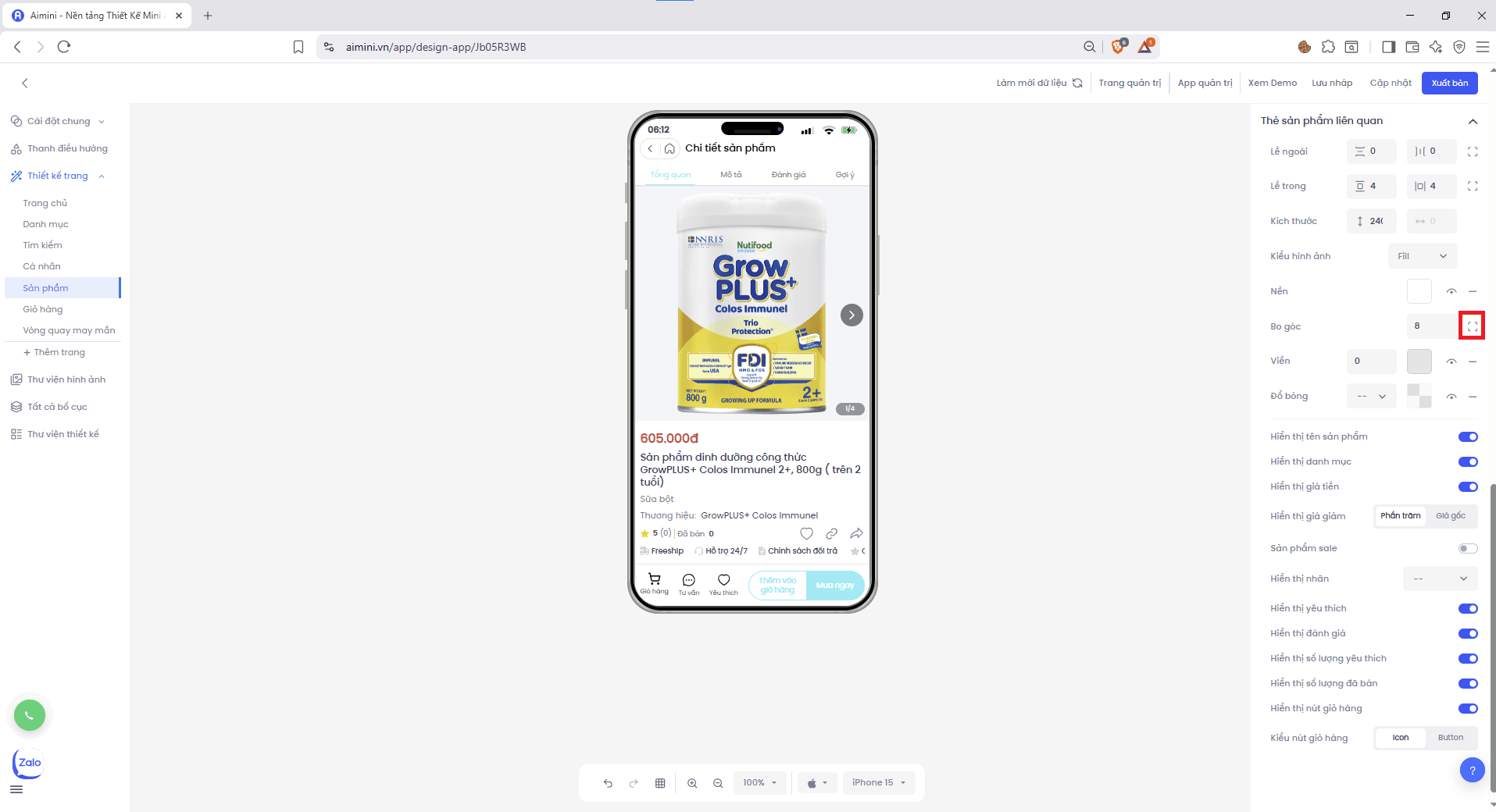
**Bo góc**
* Nhập hoặc tăng/giảm **chung** độ bo góc của 4 góc tại ô
 hoặc điều chỉnh **riêng lẻ** từng góc bằng nút.
 **Viền**
* Nhập hoặc tăng/giảm độ lớn viền tại ô.
**Viền**
* Nhập hoặc tăng/giảm độ lớn viền tại ô.
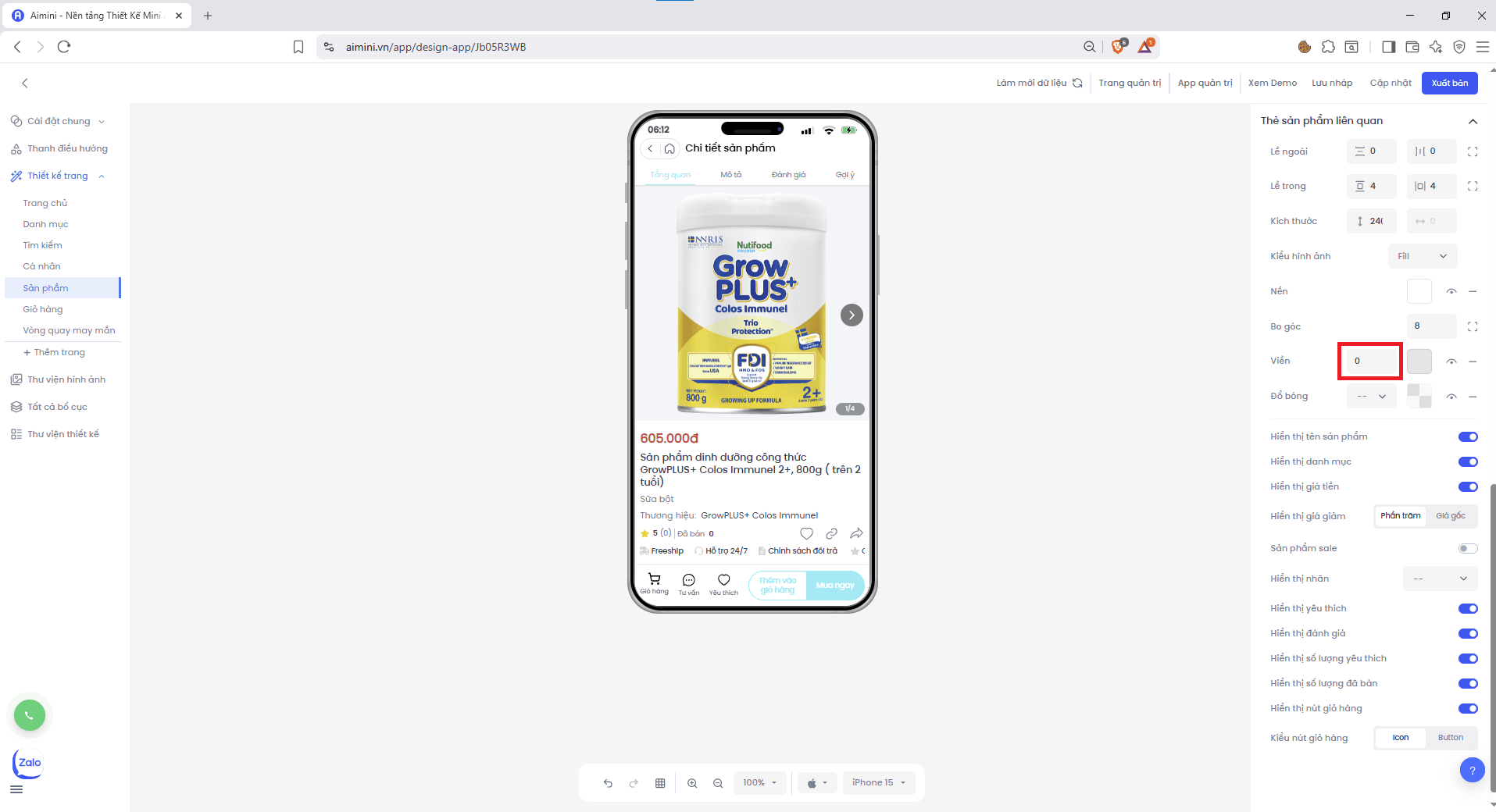 * Chọn màu viền bằng cách nhấn ô vuông sau đó chọn màu.
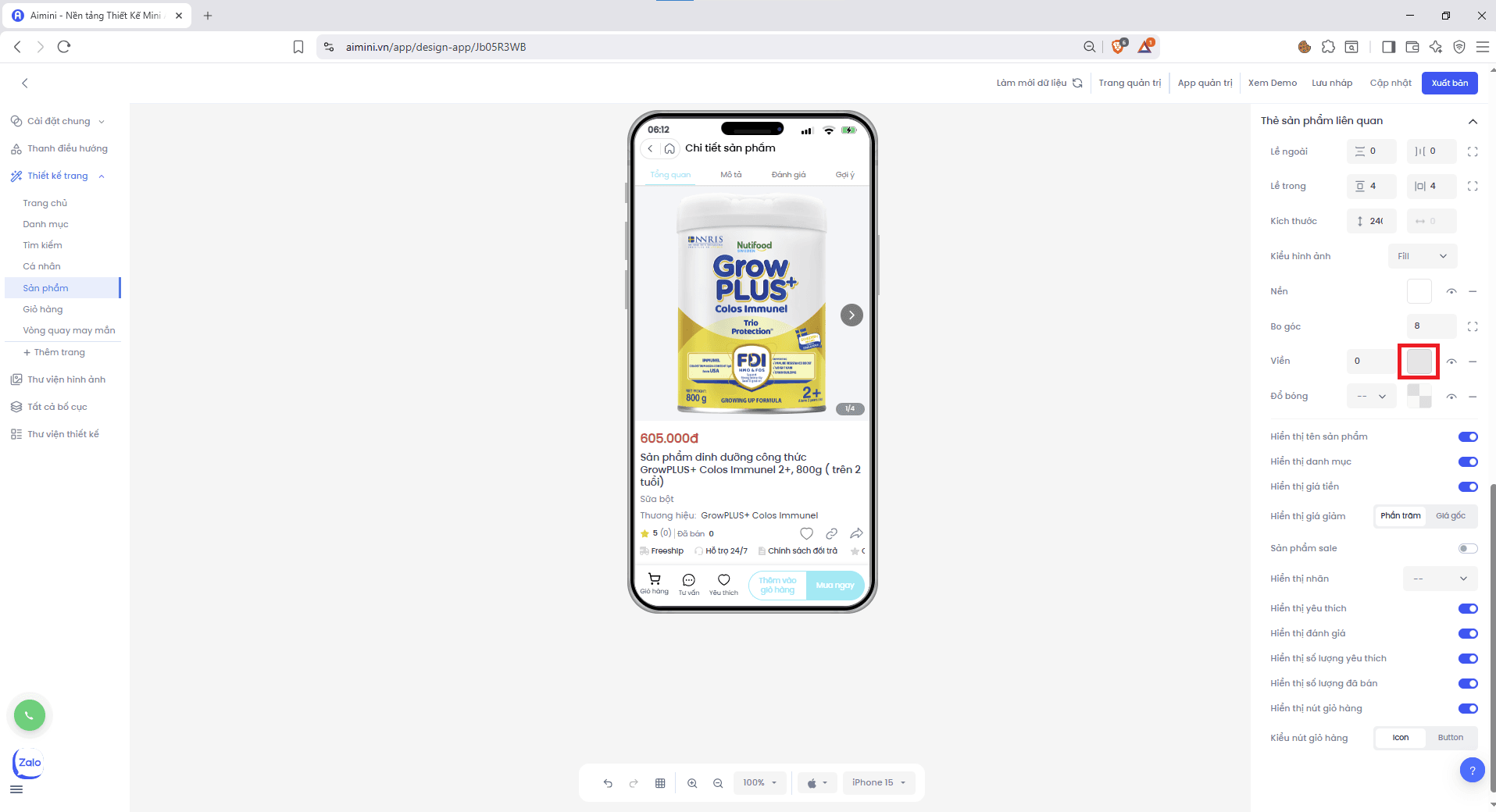 * Bật/tắt viền bằng nút .
* Xóa viền bằng nút .
**Đổ bóng**
* Chọn độ lớn đổ bóng tại ô.
* Bật/tắt viền bằng nút .
* Xóa viền bằng nút .
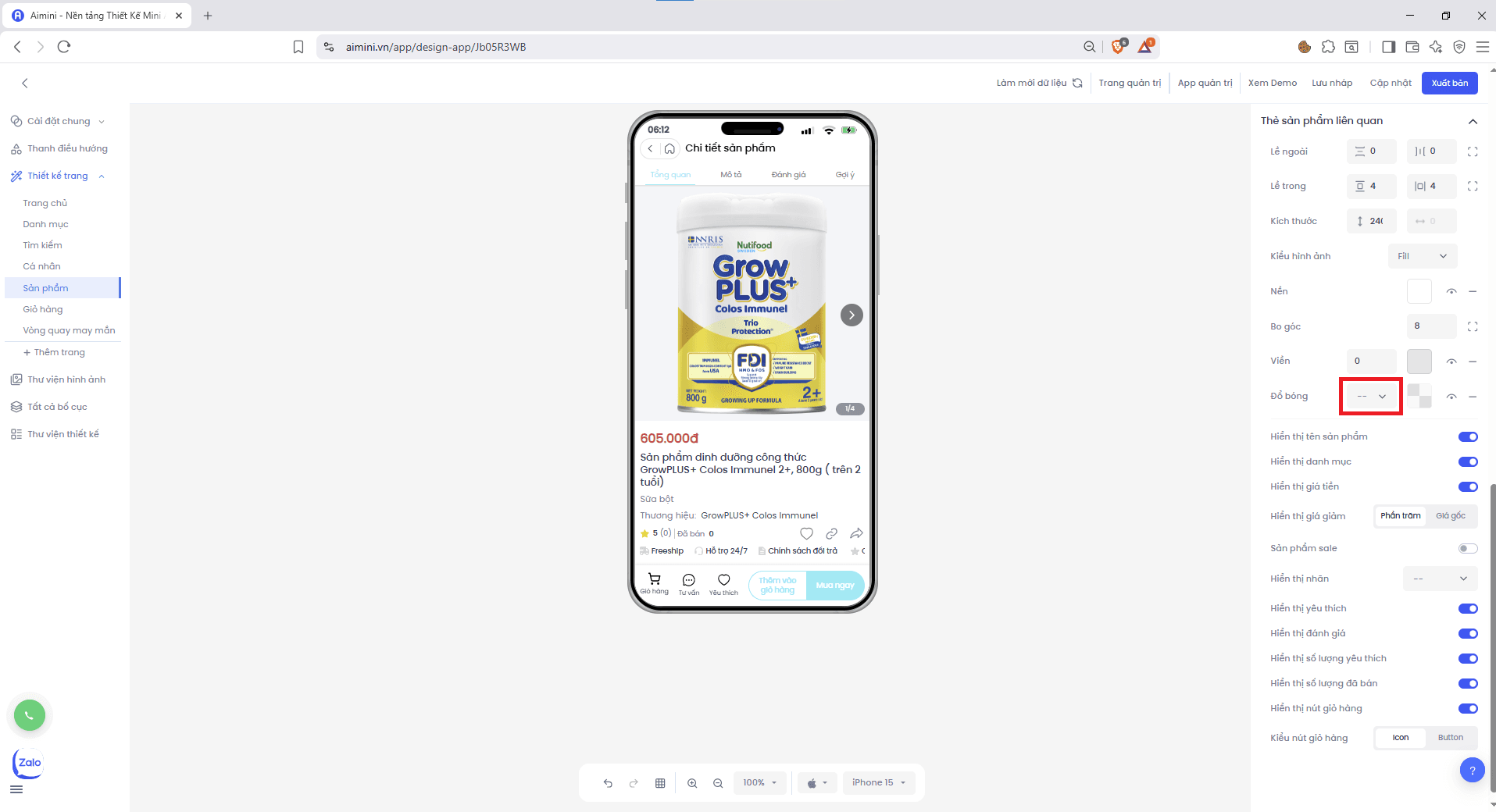
**Đổ bóng**
* Chọn độ lớn đổ bóng tại ô.
 * Chọn màu đổ bóng bằng cách nhấn ô vuông sau đó chọn màu.
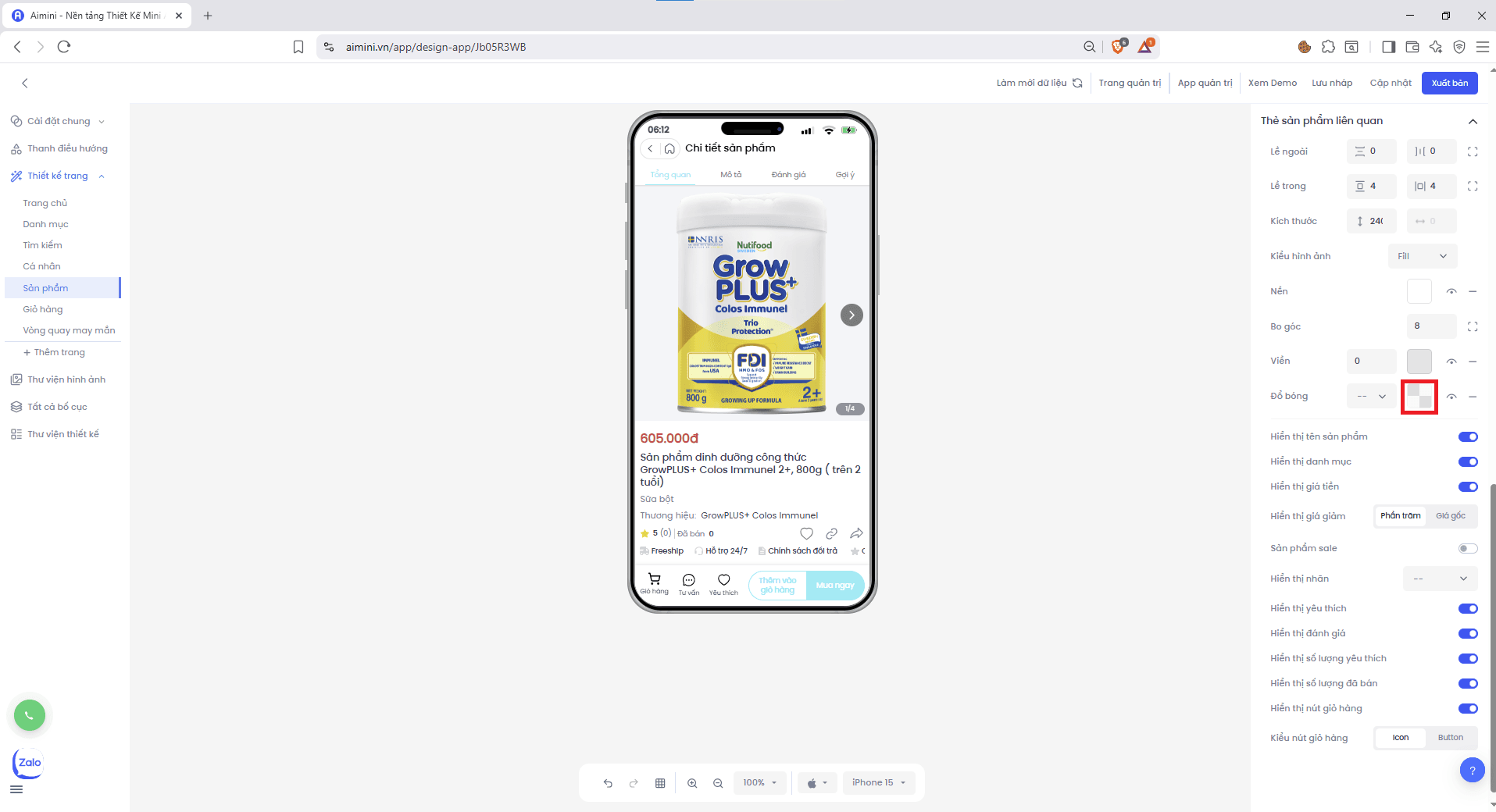 * Bật/tắt đổ bóng bằng nút .
* Xóa đổ bóng bằng nút .
**Hiển thị tên sản phẩm**
* Người dùng nhấn nút để bật/tắt tên sản phẩm.
**Hiển thị danh mục**
* Người dùng nhấn nút để bật/tắt danh mục.
**Hiển thị giá tiền**
* Người dùng nhấn nút để bật/tắt giá tiền.
**Hiển thị giá giảm**
* Chọn hiển thị giá giảm theo **%** hay **giá gốc** tại.
* Bật/tắt đổ bóng bằng nút .
* Xóa đổ bóng bằng nút .
**Hiển thị tên sản phẩm**
* Người dùng nhấn nút để bật/tắt tên sản phẩm.
**Hiển thị danh mục**
* Người dùng nhấn nút để bật/tắt danh mục.
**Hiển thị giá tiền**
* Người dùng nhấn nút để bật/tắt giá tiền.
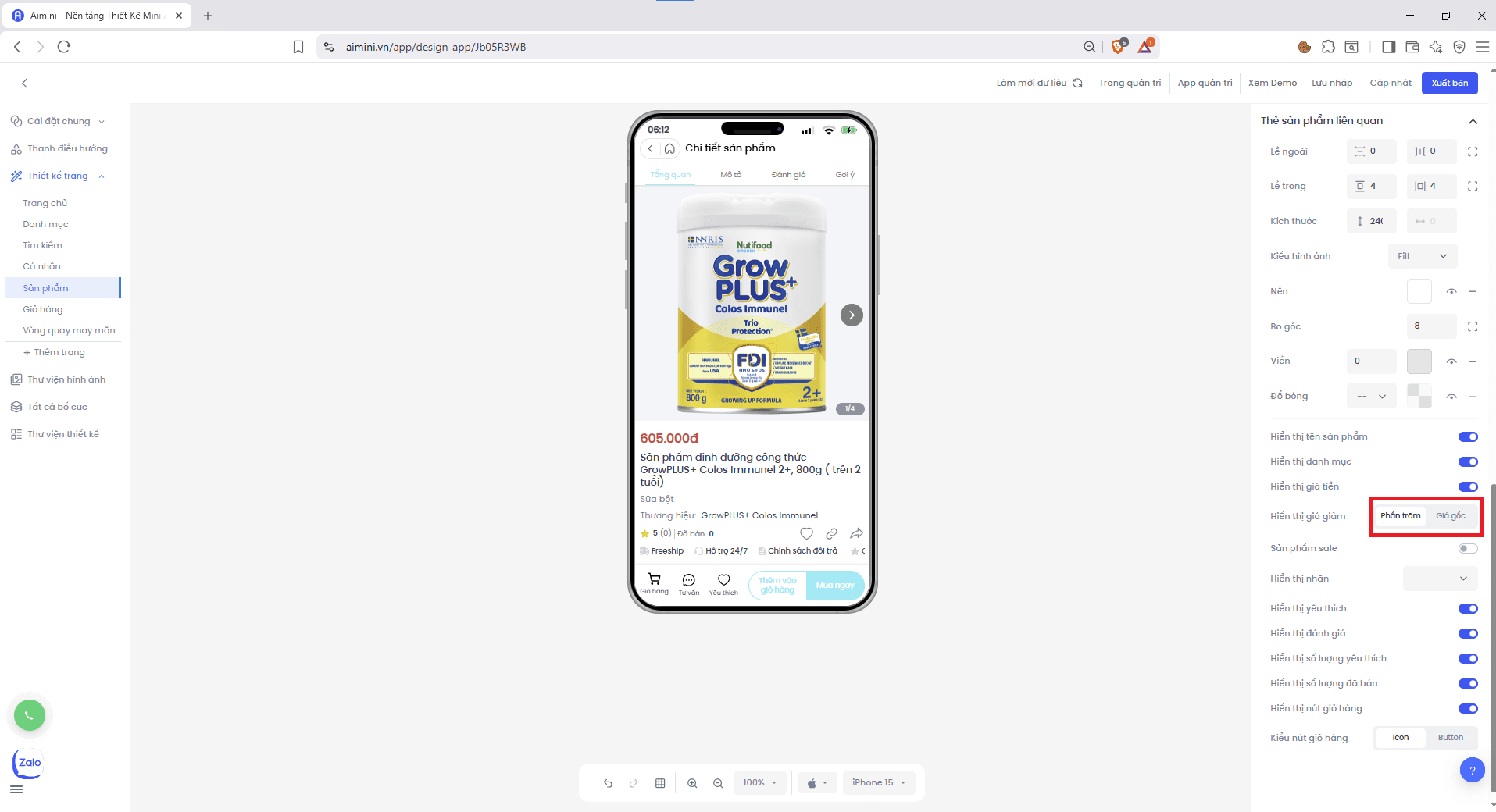
**Hiển thị giá giảm**
* Chọn hiển thị giá giảm theo **%** hay **giá gốc** tại.
 **Sản phẩm sale**
* Người dùng nhấn nút để bật/tắt trạng thái sale.
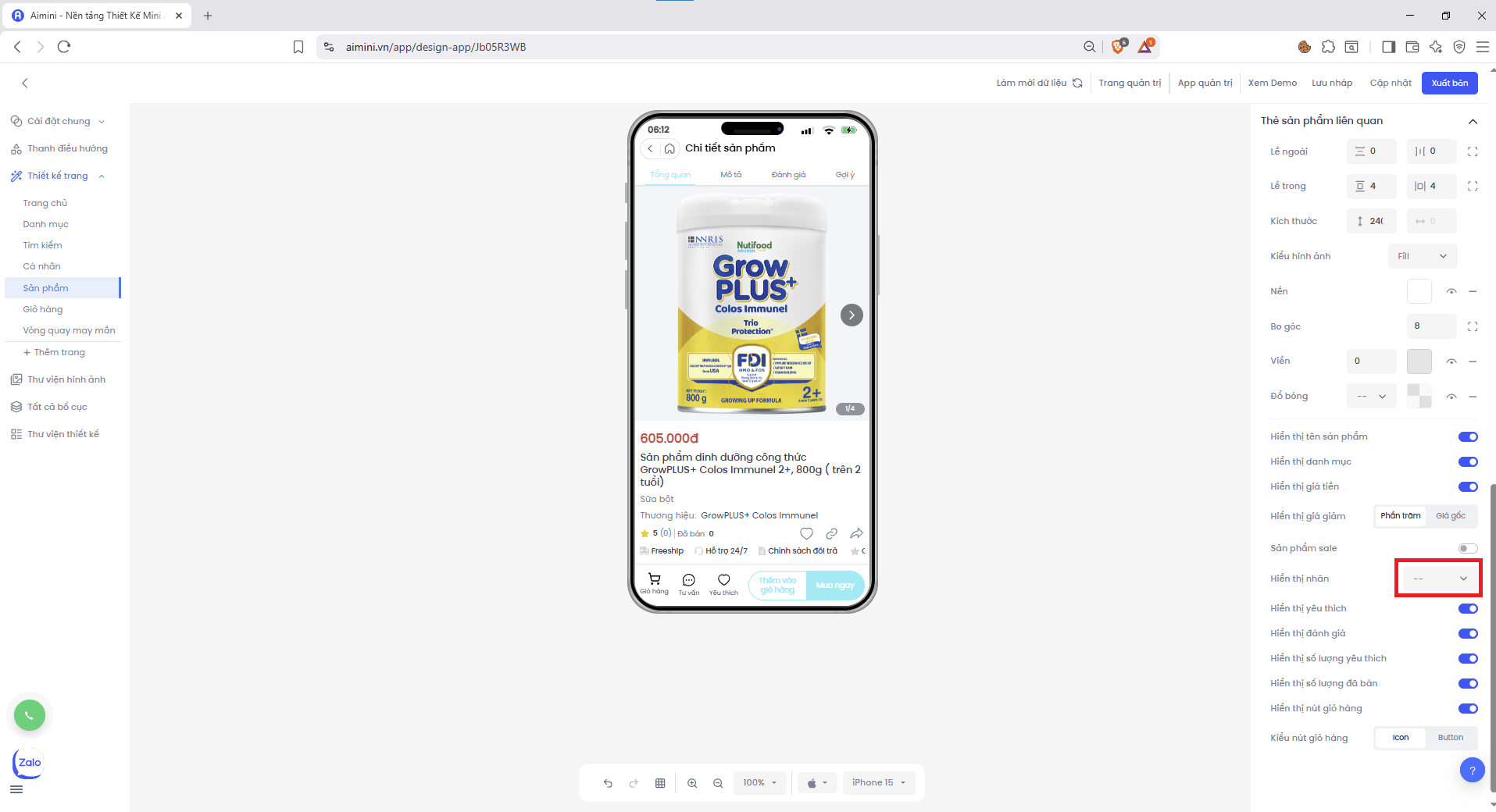
**Hiển thị nhãn**
* Chọn **không hiển thị** hoặc hiển thị nhãn **Flash sale / Bán chạy / Mới nhất**.
**Sản phẩm sale**
* Người dùng nhấn nút để bật/tắt trạng thái sale.
**Hiển thị nhãn**
* Chọn **không hiển thị** hoặc hiển thị nhãn **Flash sale / Bán chạy / Mới nhất**.
 **Hiển thị yêu thích**
* Người dùng nhấn nút để bật/tắt nút yêu thích.
**Hiển thị đánh giá**
* Người dùng nhấn nút để bật/tắt số sao đánh giá.
**Hiển thị số lượng yêu thích**
* Người dùng nhấn nút để bật/tắt số lượng yêu thích.
**Hiển thị số lượng đã bán**
* Người dùng nhấn nút để bật/tắt số lượng đã bán.
**Hiển thị nút giỏ hàng**
* Người dùng nhấn nút để bật/tắt nút thêm vào giỏ hàng.
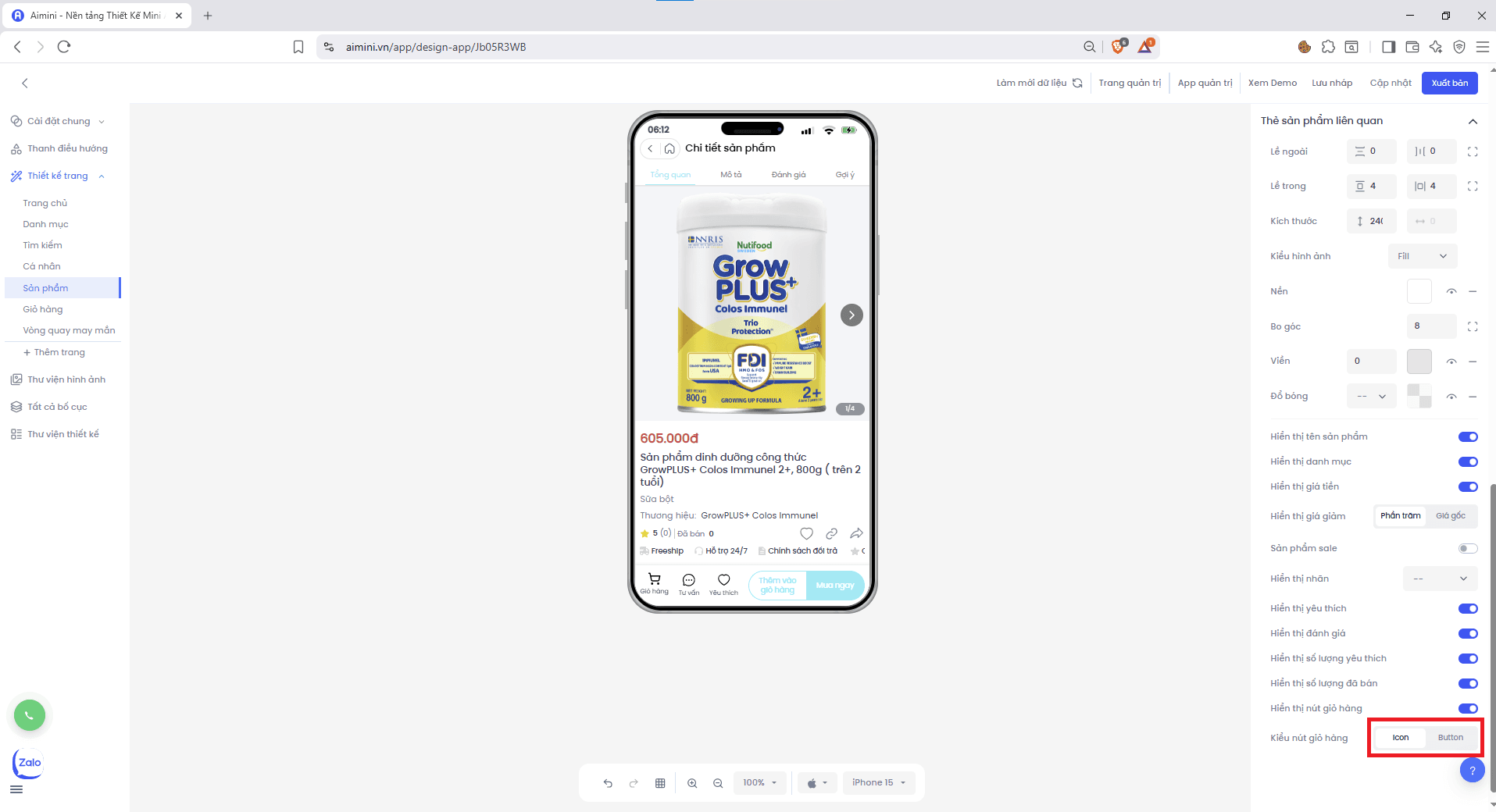
**Kiểu nút giỏ hàng**\
Người dùng có thể chọn hiển thị giỏ hàng giữa **icon** hoặc **button** tại.
**Hiển thị yêu thích**
* Người dùng nhấn nút để bật/tắt nút yêu thích.
**Hiển thị đánh giá**
* Người dùng nhấn nút để bật/tắt số sao đánh giá.
**Hiển thị số lượng yêu thích**
* Người dùng nhấn nút để bật/tắt số lượng yêu thích.
**Hiển thị số lượng đã bán**
* Người dùng nhấn nút để bật/tắt số lượng đã bán.
**Hiển thị nút giỏ hàng**
* Người dùng nhấn nút để bật/tắt nút thêm vào giỏ hàng.
**Kiểu nút giỏ hàng**\
Người dùng có thể chọn hiển thị giỏ hàng giữa **icon** hoặc **button** tại.